18
Using the Scan to E-Mail Feature
Using the Scan to E-Mail
Feature
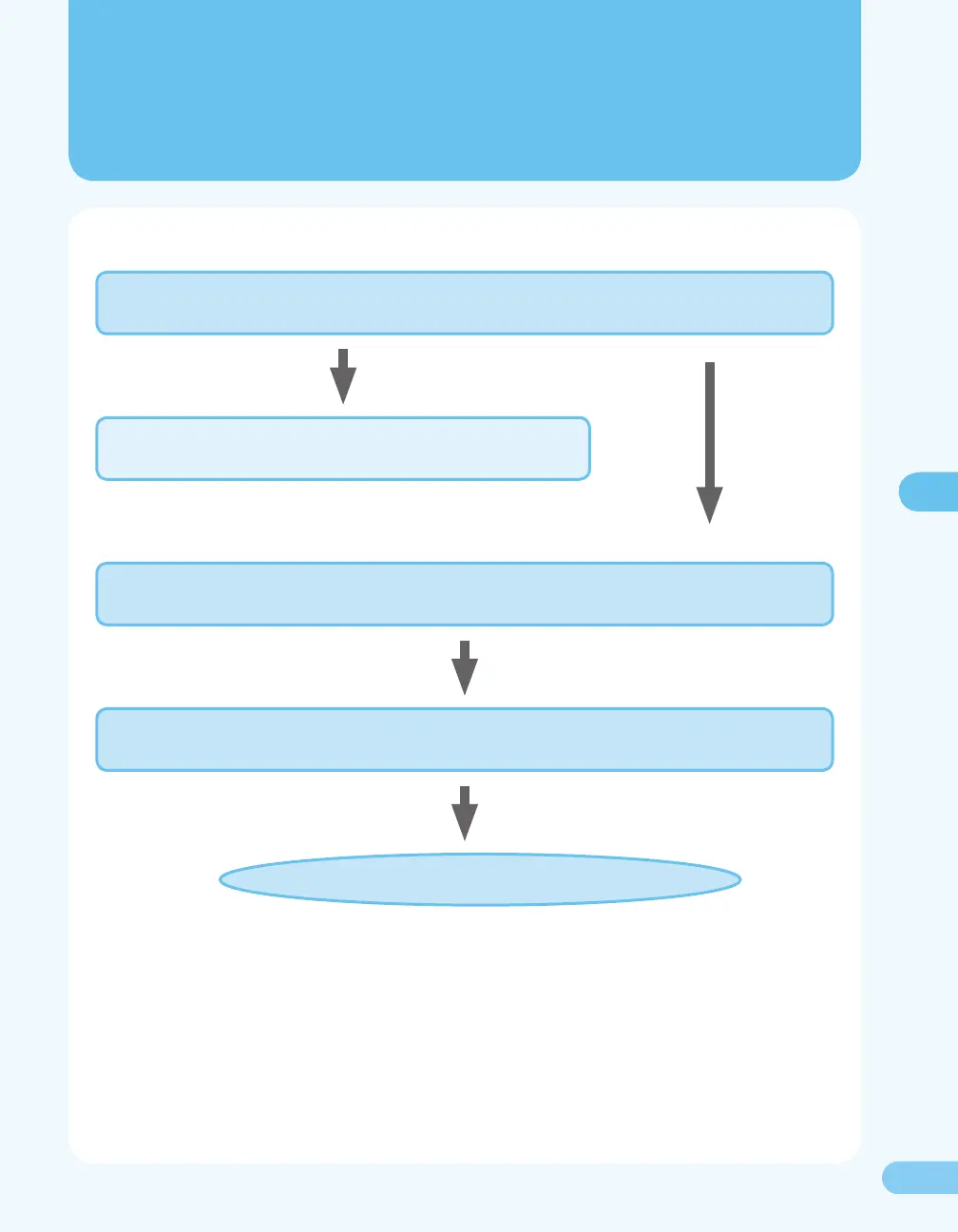
To set up and use the Scan to E-Mail feature, you need to make settings based on the ow below.
Setting up the E-Mail Send Feature ( P. 19)
Using the Remote UI, you make settings to send e-mails.
Registering E-Mail Addresses ( P. 23)
Using the Remote UI, you register the e-mail addresses.
Setting up the E-Mail Reception Feature ( P. 28)
You make settings to receive e-mails.
The setup is completed.
Test Sending an E-Mail ( P. 25)
You send an e-mail to a registered address for testing the feature.
If you want to use the Scan to E-mail feature only, you don’t need to make this setting.










 To Next Page