1919
Using the Scan to E-Mail Feature
Using the Scan to E-Mail Feature
Setting Up the E-Mail Send Feature
To set up this feature, follow the procedure below using the Remote UI.
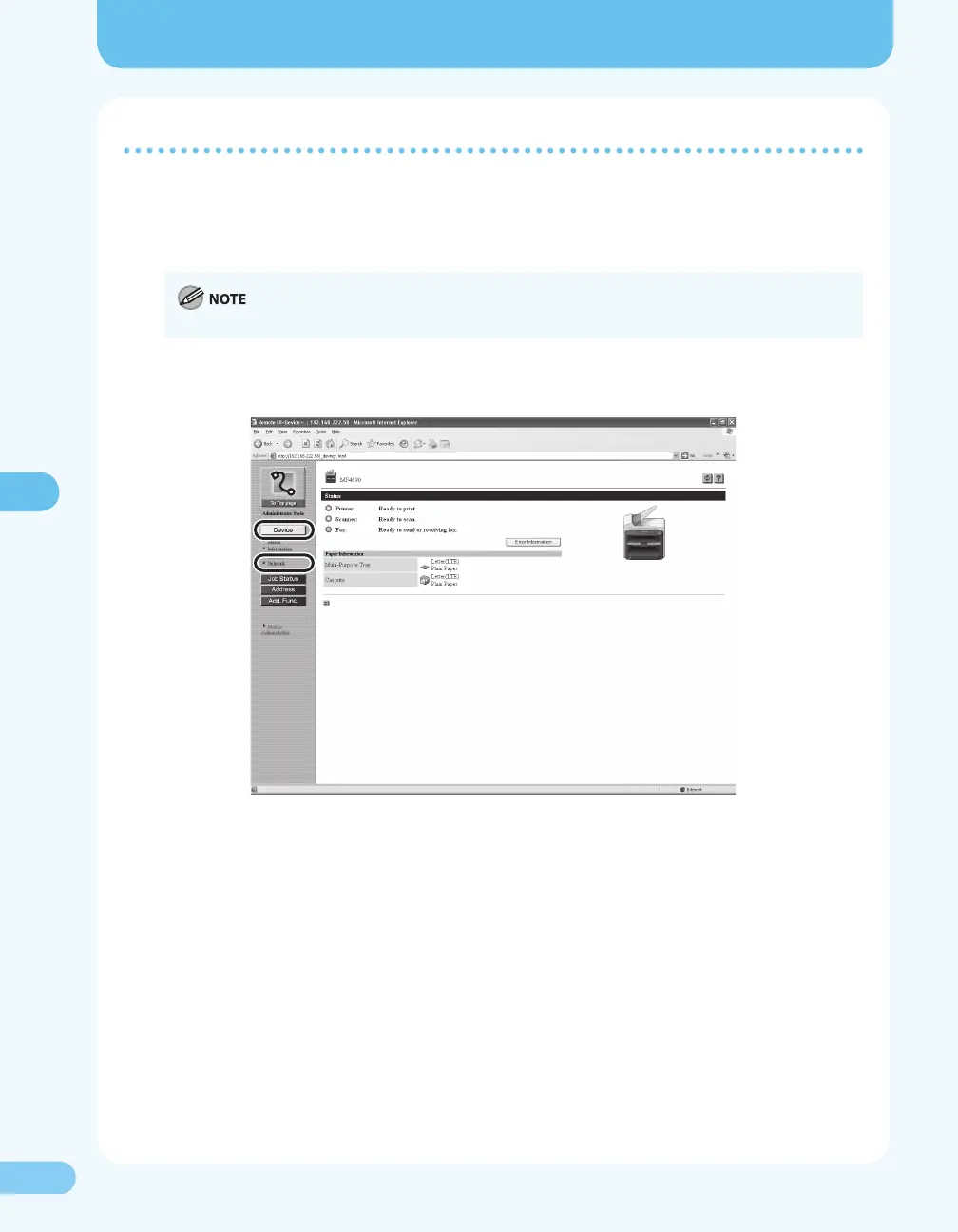
1. Start the Remote UI. Login in Administrator Mode.
For details on starting the Remote UI, see “Starting the Remote UI,” ( P. 17).
2. Click [Device]. Select [Network] from the menu.










 To Next Page