30
Using the Scan to USB Feature
Using the Scan to USB Feature
To store a scanned document to your USB memory, follow the procedure below.
Before Using the Scan to USB Feature
Note the followings so you can use an appropriate USB memory.
Supported le systems of a USB memory are FAT 16 and FAT 32.
Supported maximum sizes of a USB memory are as follows:
FAT16: 2GB
FAT32: 8GB
USB memory with security function or card readers are not supported.
USB memory used with an extension cable is not supported.
Use of a USB memory through a USB hub is not supported.
A USB memory that does not comply with USB specications is not supported.
In other cases not mentioned above, depending on the type of USB memory used, images may not be
saved correctly.
Storing a Scanned Document to Your USB Memory
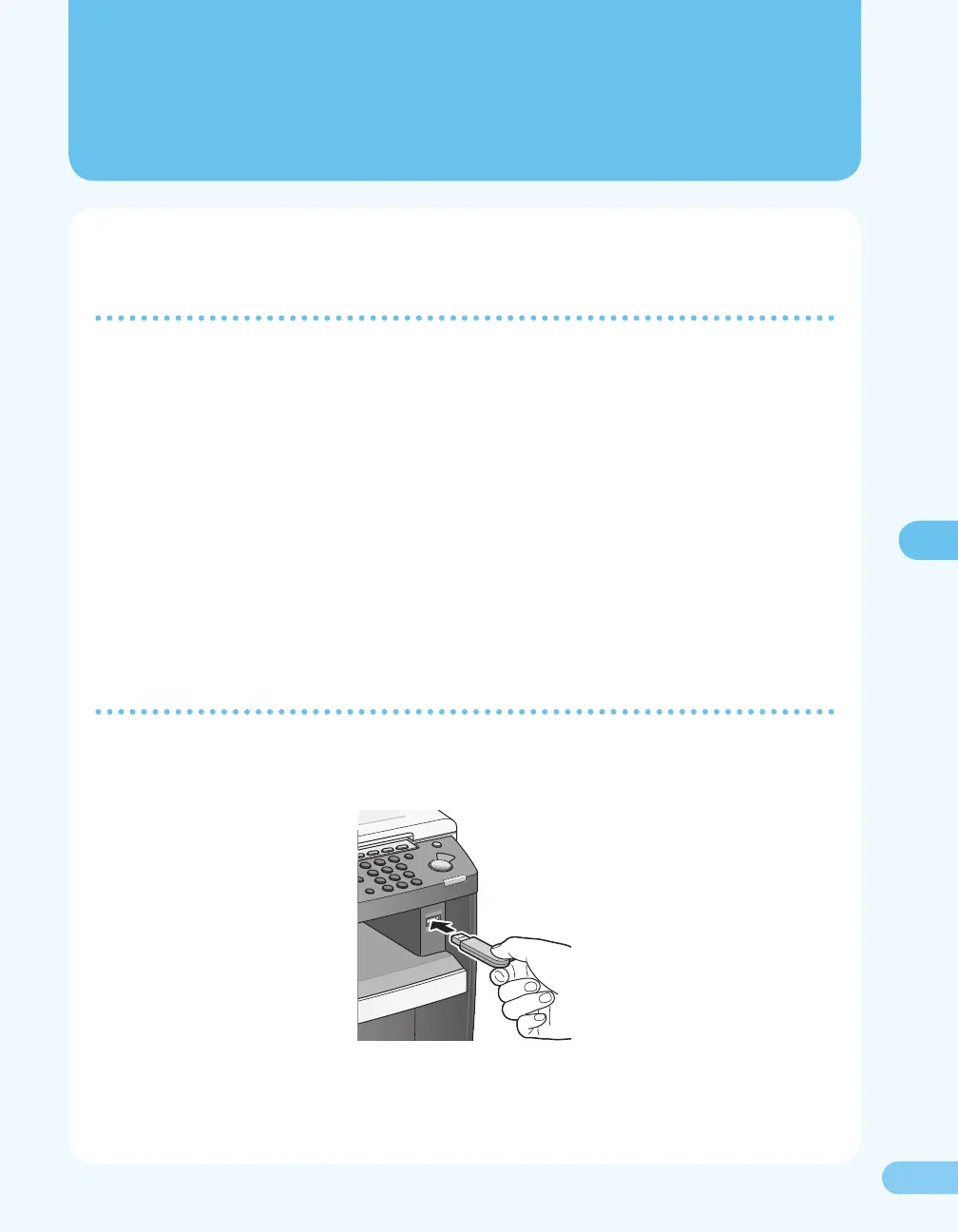
To store the scanned document to your USB memory, follow the procedure below.
1. Insert a USB memory into the USB memory port on the front of the machine.
●
●
–
–
●
●
●
●









 To Next Page