3131
Using the Scan to USB Feature
Using the Scan to USB Feature
Insert the USB memory straight into the USB memory port. Inserting the USB memory diagonally or
inserting the USB memory that does not comply with USB specications may damage the USB memory
port.
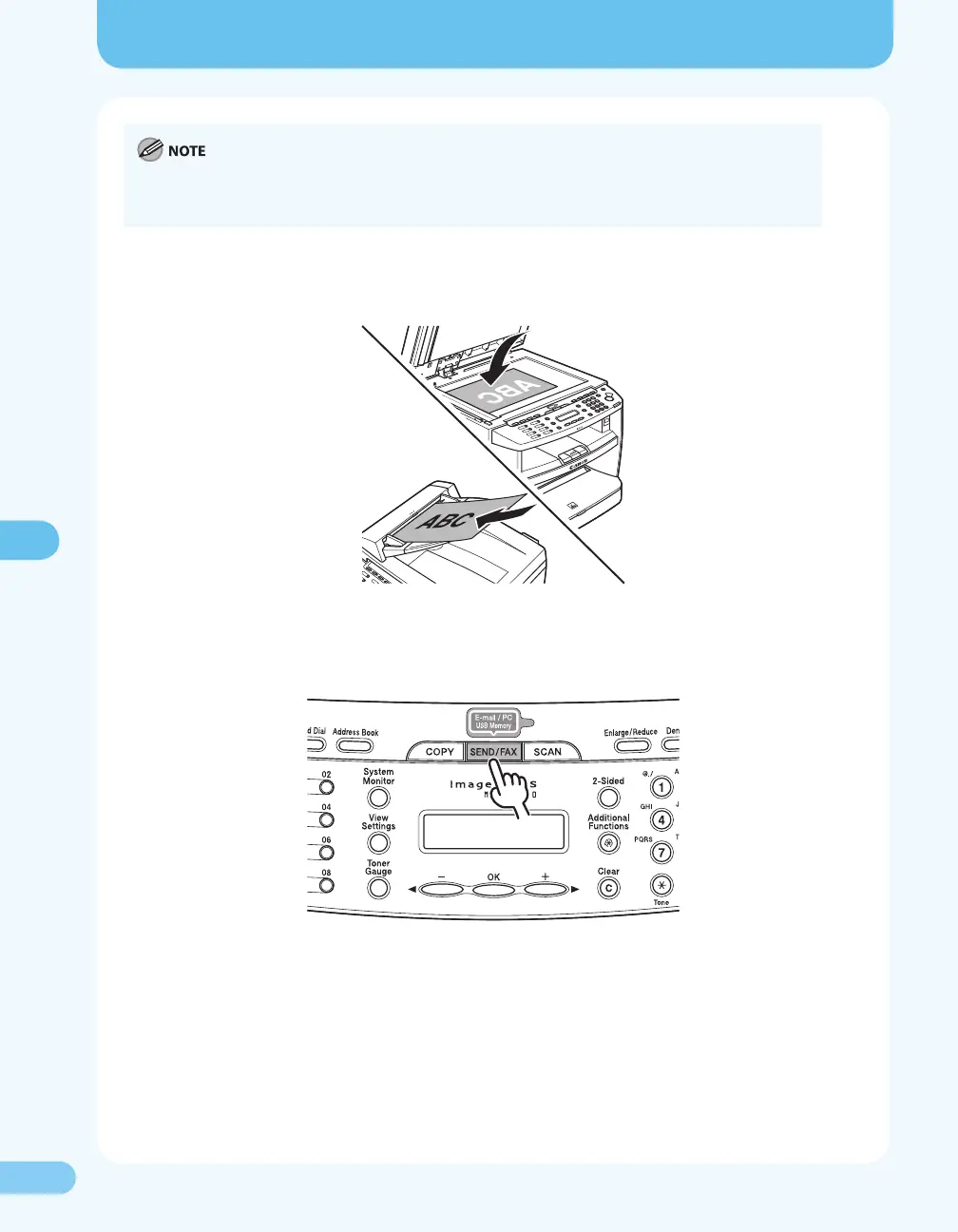
2. Place a document on the platen glass or load it in the ADF.
3. Press [SEND/FAX] repeatedly to select <USB MEMORY: B&W> or <USE MEMORY: COLOR>, then
press [OK].










 To Next Page