4-3
Sending Faxes
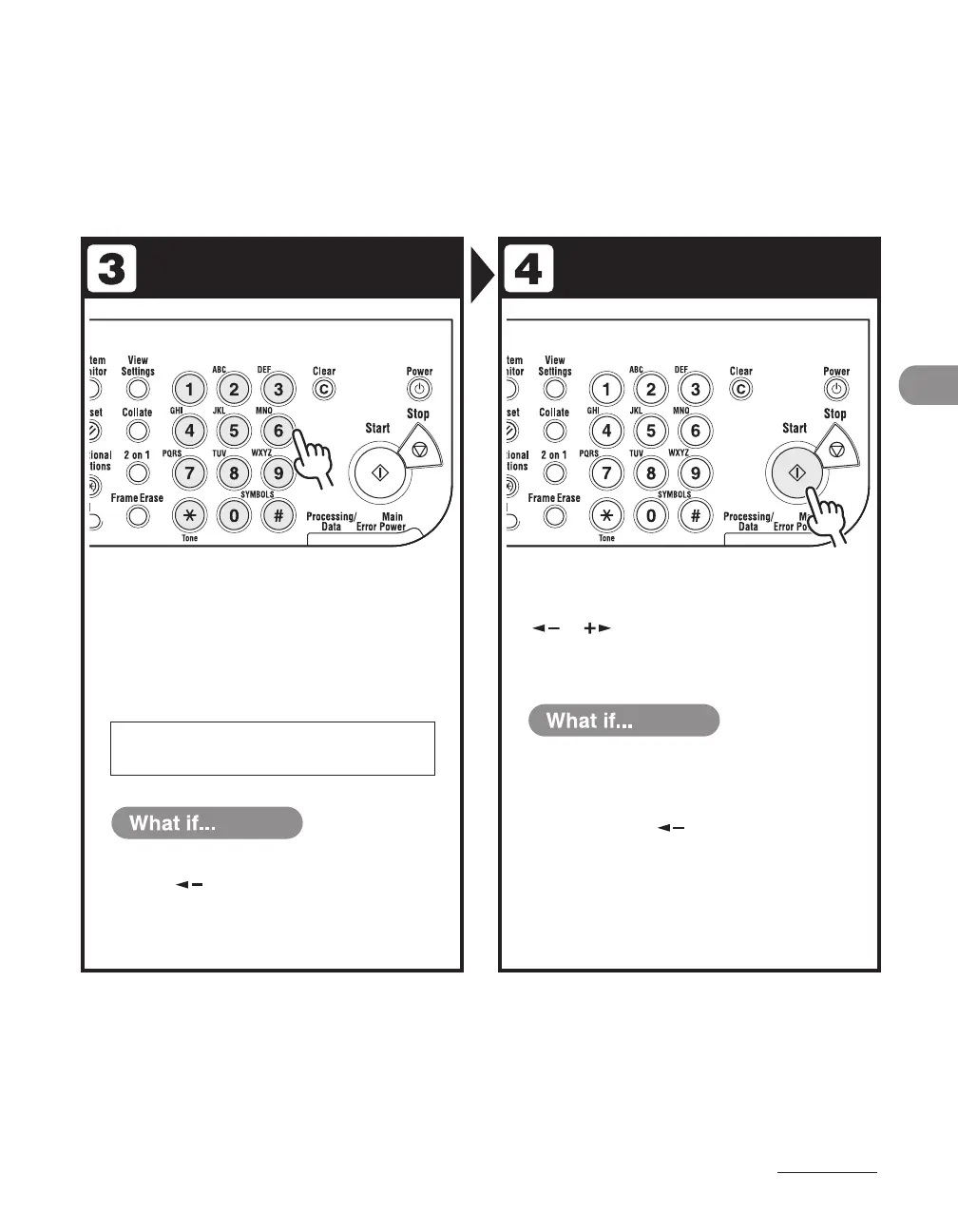
Enter the Fax Number Send the Document
Enter the fax number with the
numeric keys.
You can also specify the fax number with a one-touch
speed dialing key, coded speed dialing, or the [Address
Book] key. (See “Specifying Recipients,” on p. 4-26.)
Press [Start].
When you set the documents on the platen glass, press
[ ] or [ ] to select the document size, then press
[Start] for each document. When scanning is complete,
press [OK] to start dialing.
Ex.
T E L = 0 1 2 X X X X X X X
You enter a wrong number:
Press [ ] to go back to the incorrect
digit, then press [Clear] to delete it. Or
press and hold [Clear] to delete the entire
number, then re-enter it.
●
You want to cancel sending:
Press [Stop] on the operation panel. When
the <CANCEL DURING TX/RX?> message
appears, press [ ] to select <YES>.
●










 To Next Page