4-33
Sending Faxes
Manual Sending
Use manual sending when you want to talk to the recipient before sending
a document, or if the recipient does not have a fax machine that can receive
automatically.
You cannot use the platen glass for manual sending.
You cannot use group dialing for manual sending.
1 Connect an external telephone to the machine if you want to talk to the
recipient before sending a document.
For details on how to connect an external telephone to the machine, see “Before FAX Setting,” in the
Starter Guide.
2 Load the document in the ADF.
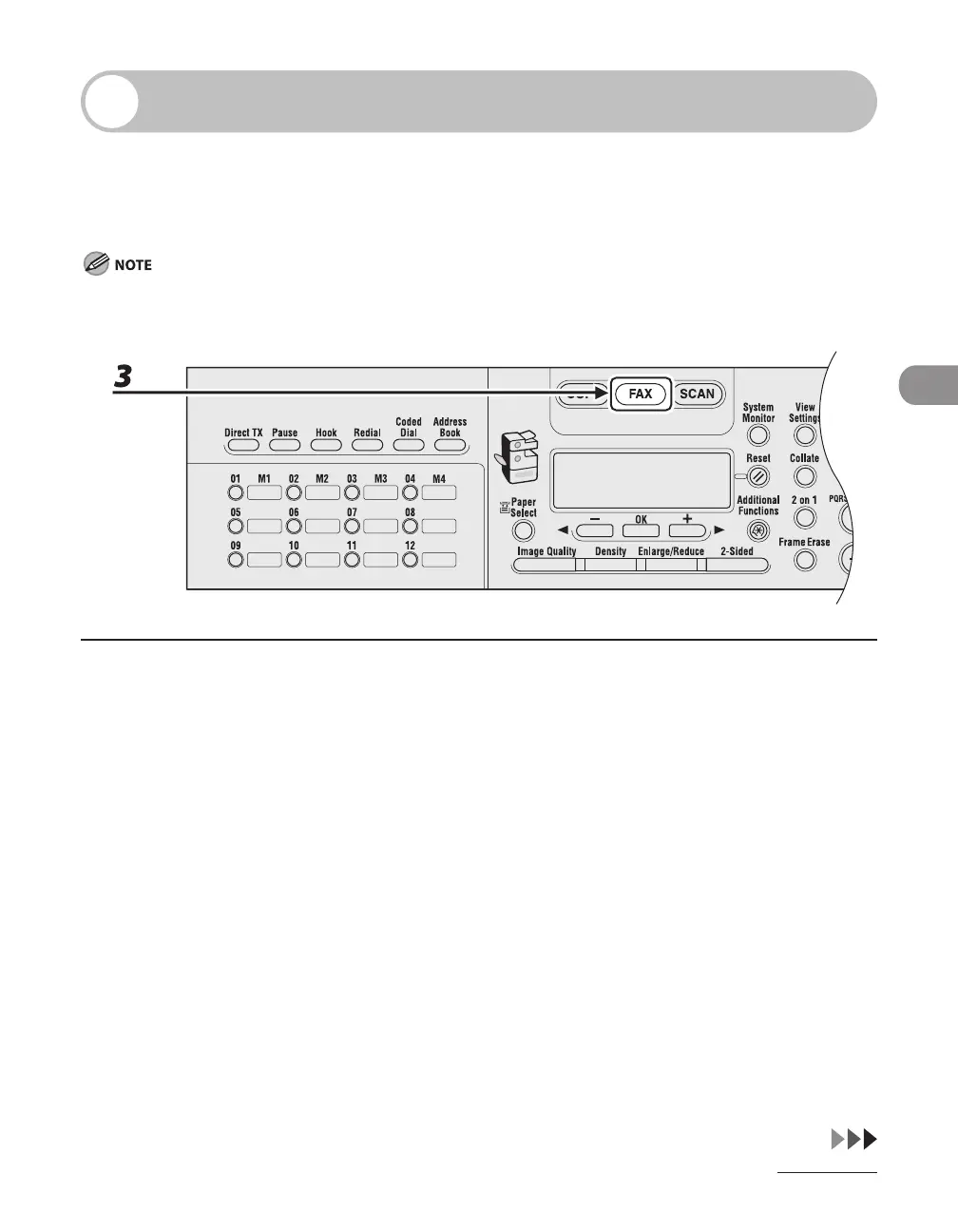
3 Press [FAX].
If you want to adjust the image quality and density, see “Scan Settings,” on p. 4-4.
–
–










 To Next Page