Copying
3-16
Two-Sided Copy
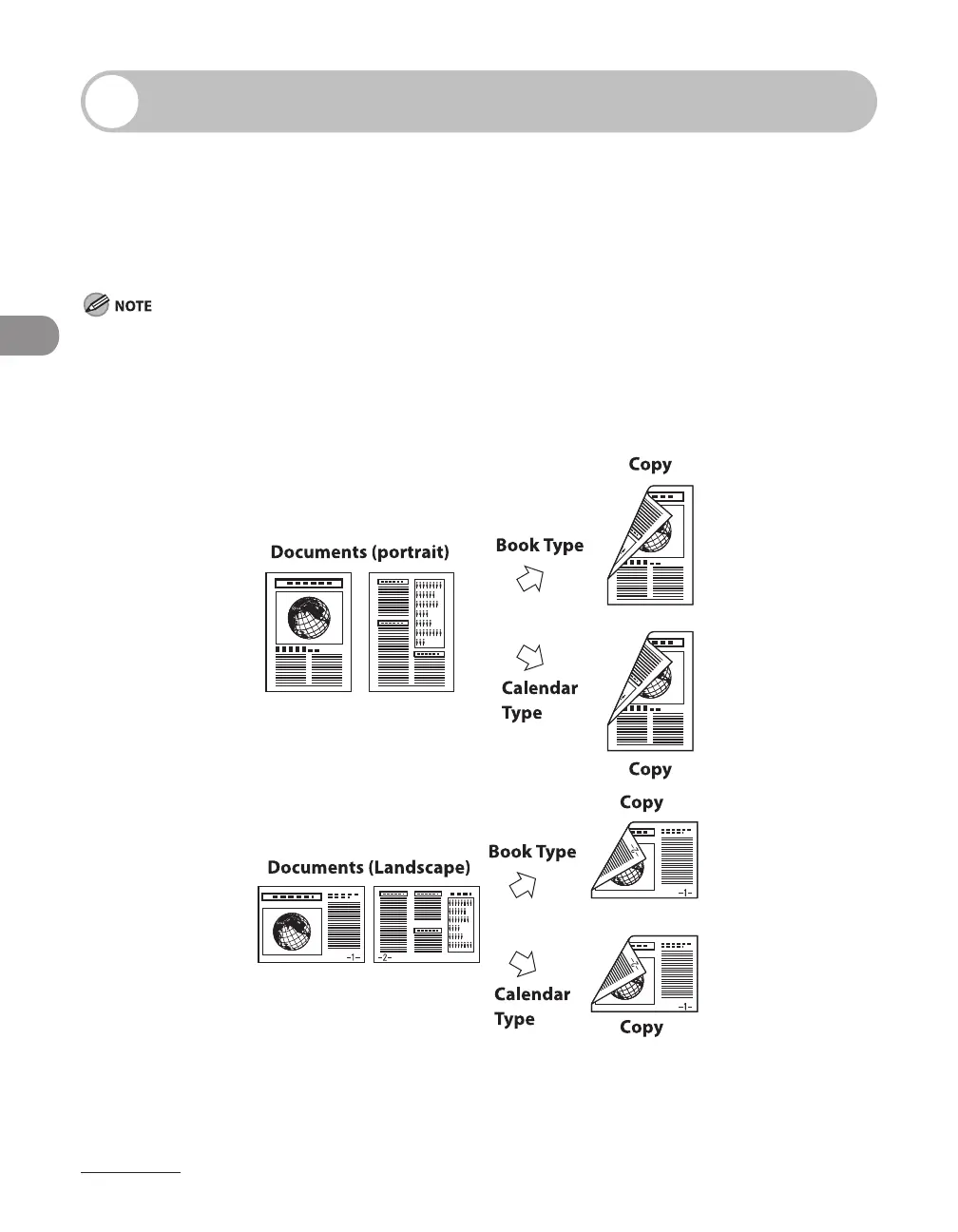
Two-sided copying enables you to make two-sided copies from one-sided or two-
sided documents, or make one-sided copies from two-sided documents. This feature
can be used together with “Collate Copy,” on 3-10, “2 on 1 Combination,” on 3-12,
“Original Frame Erase,” “Book Frame Erase,” and “Binding Hole Erase.” (See Chapter
3,“Copying,” in the Reference Guide).
Paper used to make two-sided copies must conform to the following specifications:
Paper size: LGL and LTR (A4 loaded on the multi-purpose tray are available as well.)
Paper weight: 17 to 24 lb (64 to 90 g/m
2
)
1 to 2-Sided Copying
–
–
●










 To Next Page