Sending Faxes
4-32
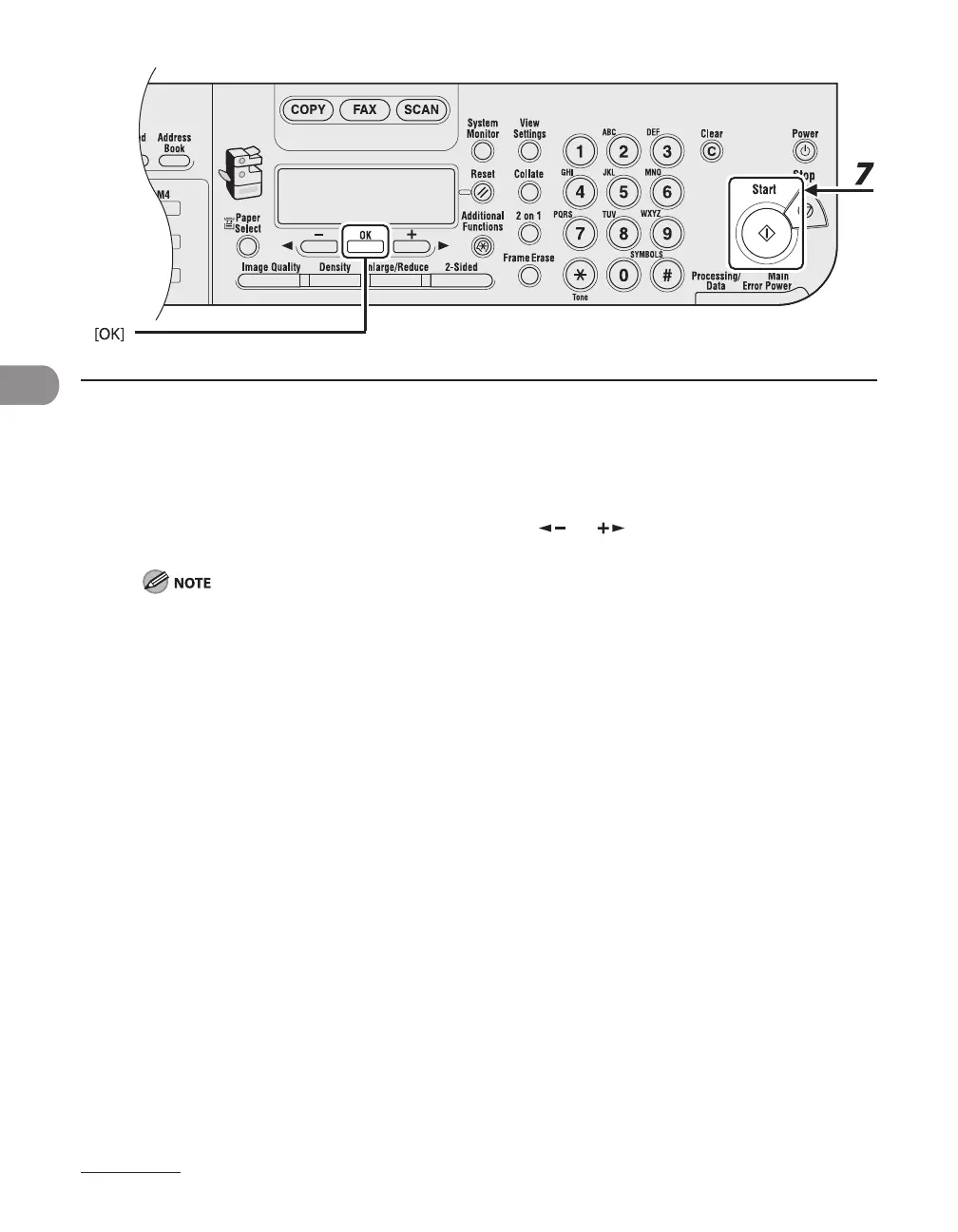
6 When the recipient’s name is displayed, press [OK].
7 Press [Start] to dial the number.
When you set the documents on the platen glass, Press [ ] or [ ] to select the document size, then
press [Start] for each document. When scanning is complete, press [OK] to start dialing.
When <TIME OUT> is set to <ON> in <TX SETTINGS> in <FAX SETTINGS>, the machine starts dialing
automatically after a preset time.










 To Next Page