Sending Faxes
4-12
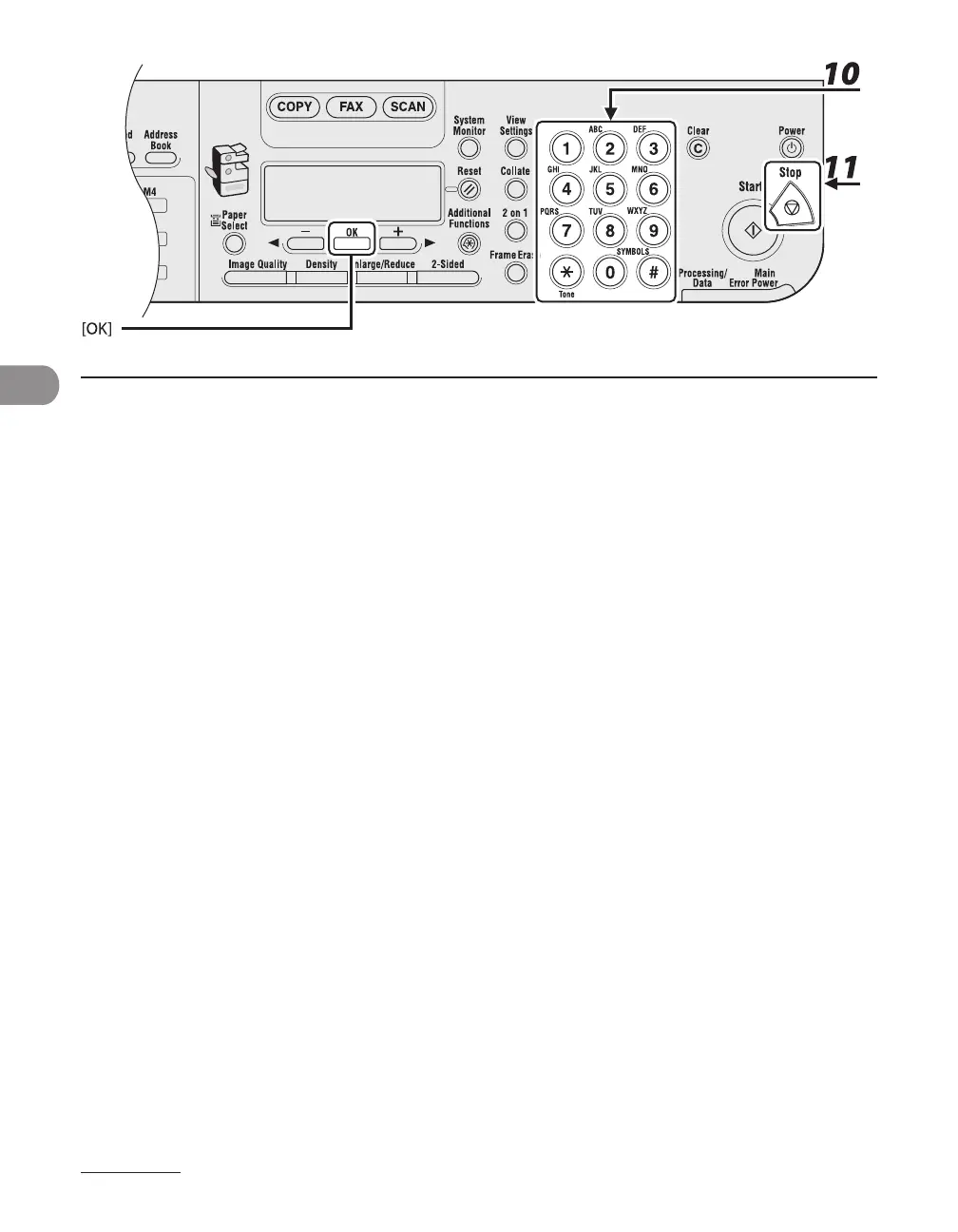
10 Enter a new character with the numeric keys, then press [OK].
You can also change the optional settings. For instructions, see Chapter 4, “Sending and Receiving
(MF6595cx/MF6595/MF6590 Only),” in the Reference Guide.
11 Press [Stop] to return to the standby mode.










 To Next Page