Sending Faxes
4-16
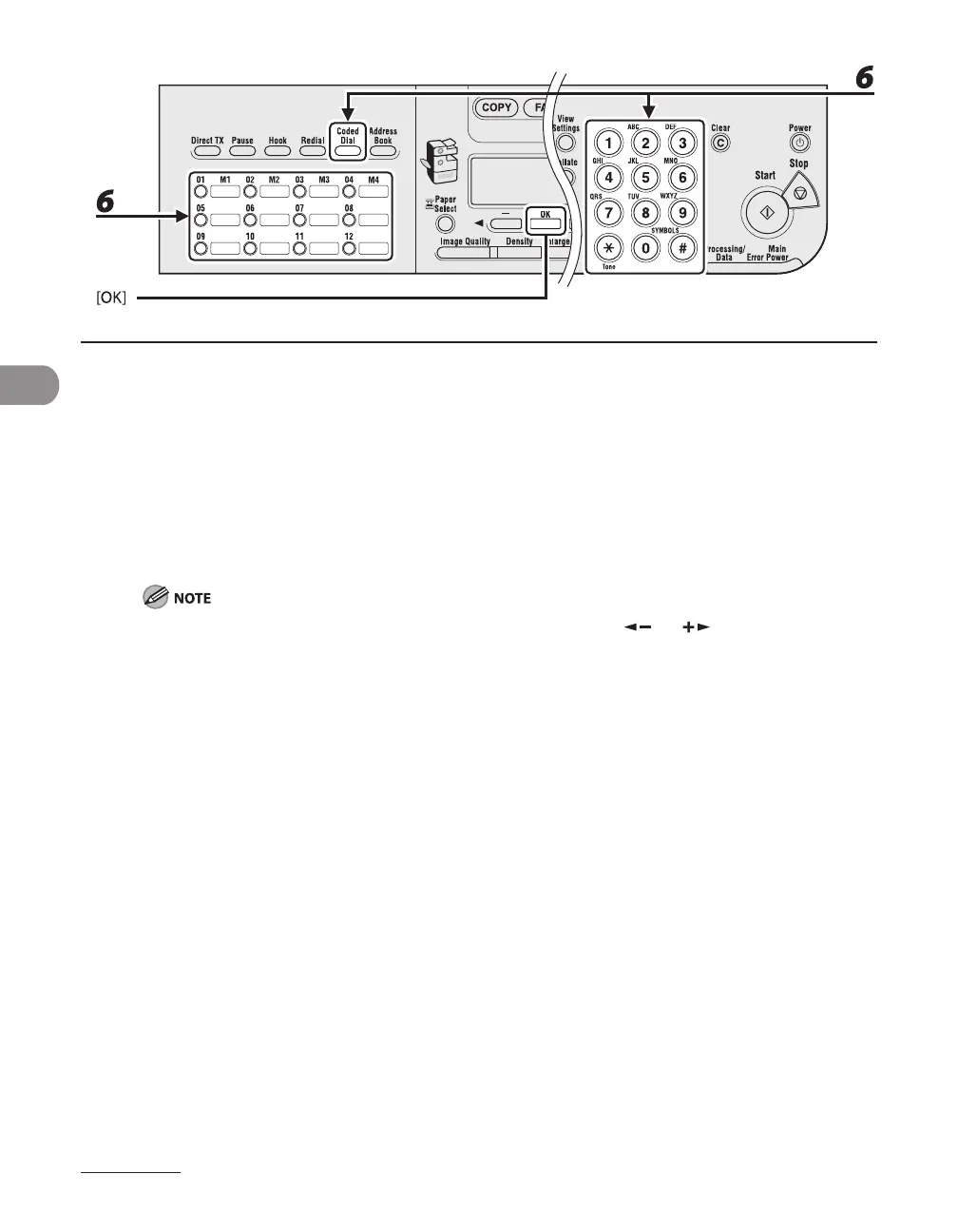
6 Select the one-touch speed dialing key or coded speed dialing code you want
to register in the group (max. 122 recipients) until all recipients are registered,
then press [OK].
To enter a number stored under a one-touch speed dialing key, press the desired one-touch speed
dialing key(s).
To enter a number stored under a coded speed dialing code, press [Coded Dial], then enter the two-
digit code for the number using the numeric keys. For multiple entries, press [Coded Dial] between each
entry.
You can review the recipients which has been already entered with [ ] or [ ].










 To Next Page