4-23
Sending Faxes
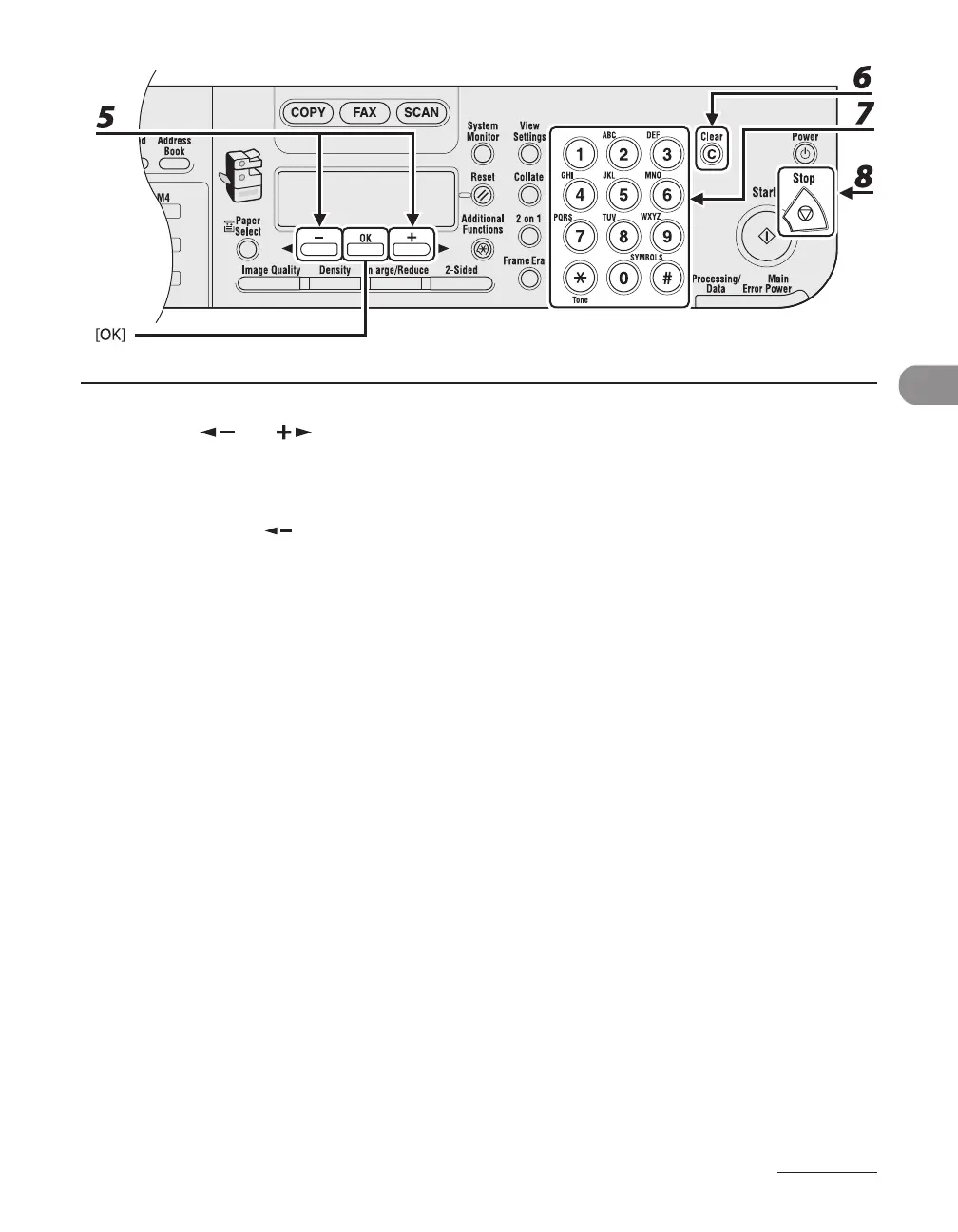
5 Press [ ] or [ ] to select <NAME>, then press [OK].
6 Press [Clear] repeatedly to go back to a wrong character.
You can also use [ ] to move the cursor to the wrong character, then press [Clear] to delete it.
To delete the entire name, press and hold [Clear].
7 Enter a new character with the numeric keys, then press [OK].
8 Press [Stop] to return to the standby mode.










 To Next Page