4-35
Sending Faxes
6 Talk through the handset to the recipient.
If you press [Hook] in step 4, you can pick up the handset when you hear the recipient's voice.
If you hear a high-pitched signal instead of the recipient's voice, go to step 8.
7 Ask the recipient to set their fax machine to receive faxes.
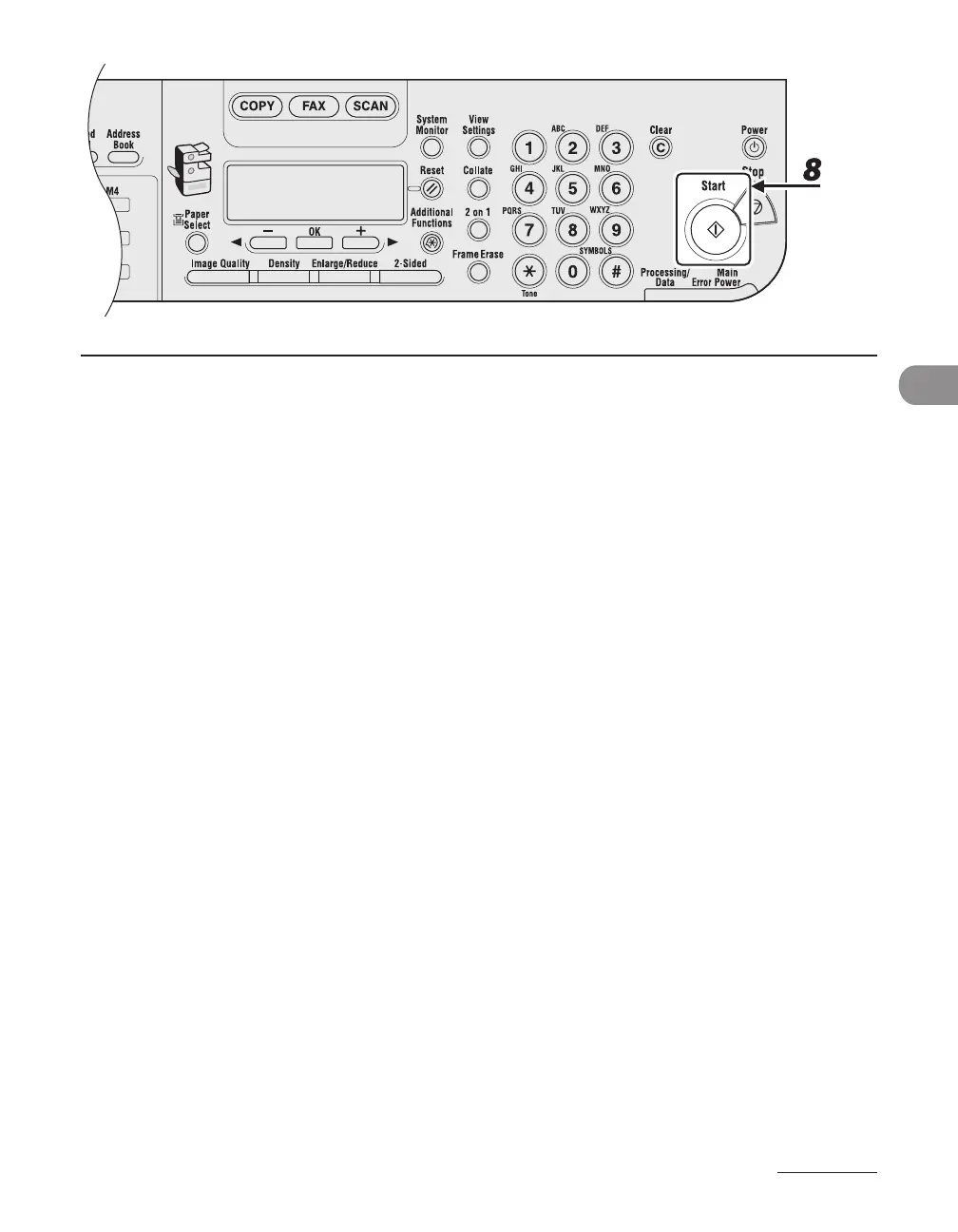
8 When you hear a high-pitched signal, press [Start], then hang up the handset.










 To Next Page