5-7
Receiving Documents
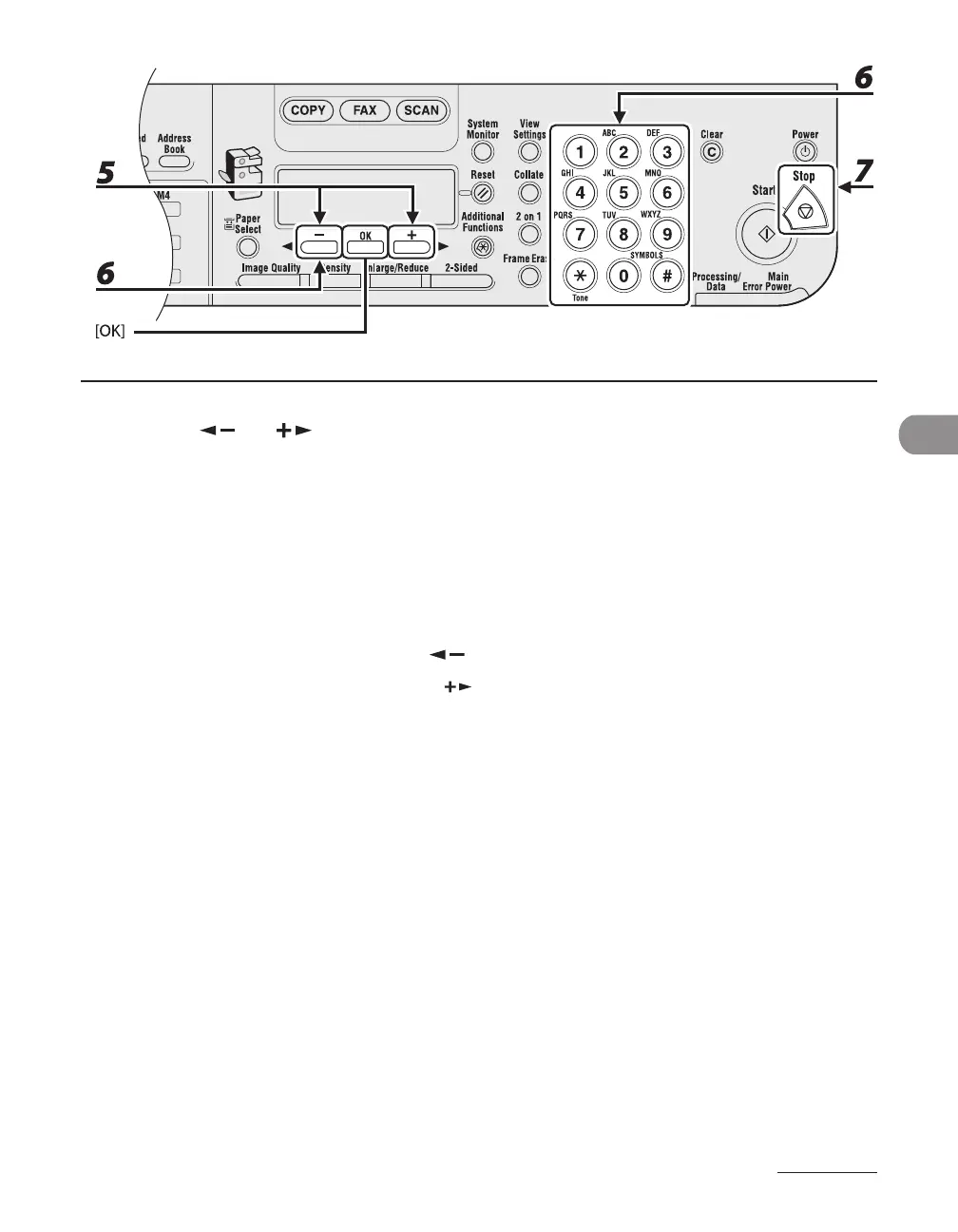
5 Press [ ] or [ ] to select <CANCEL> or <TRANSFER>, then press [OK].
<TRANSFER>: Transfers the received document in memory.
<CANCEL>: Deletes the document.
6 To transfer the document, use the numeric keys to enter a recipient’s number,
then press [OK].
The machine starts to send the selected document.
To delete the document, press [ ] to select <YES>, then press [OK].
If you do not want to cancel the job, press [ ] to select <NO>.
7 Press [Stop] to return to the standby mode.










 To Next Page