Printing
6-8
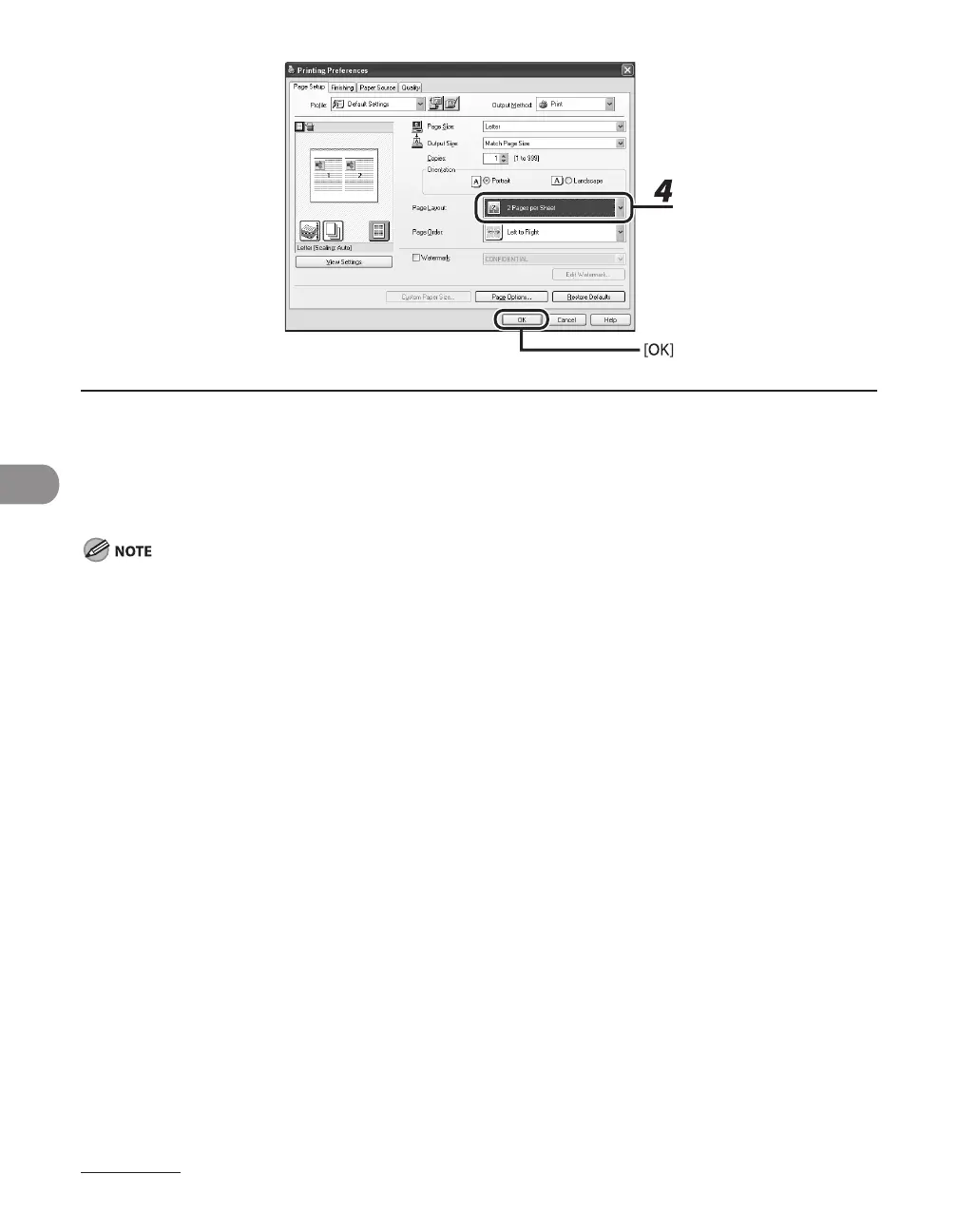
4 For [Page Layout], select [2 Pages per Sheet], then click [OK].
5 On the [Print] dialog box, click [Print] or [OK].
Other than [2 Pages per Sheet], you can also select [4 Pages per Sheet], [6 Pages per Sheet], [8 Pages per
Sheet], [9 Pages per Sheet], or [16 Pages per Sheet]. If you select [Poster [2 x 2]], [Poster [3 x 3]], or [Poster [4 x
4]], you can print out a poster that consists of multiple sheets of paper.
When reducing multiple pages to fit on a sheet, you can also select the page order from the [Page Order] pull-
down menu.
–
–










 To Next Page