Printing
6-10
1 From a document open in an application, click [File] [Print].
2 Select the printer icon for the machine ([Canon MF6500 Series UFRII LT],
[Canon MF6500 Series PCL5e]*, or [Canon MF6500 Series PCL6]*), then click
[Preferences] or [Properties] to open the dialog box.
* MF6595cx/MF6595 only
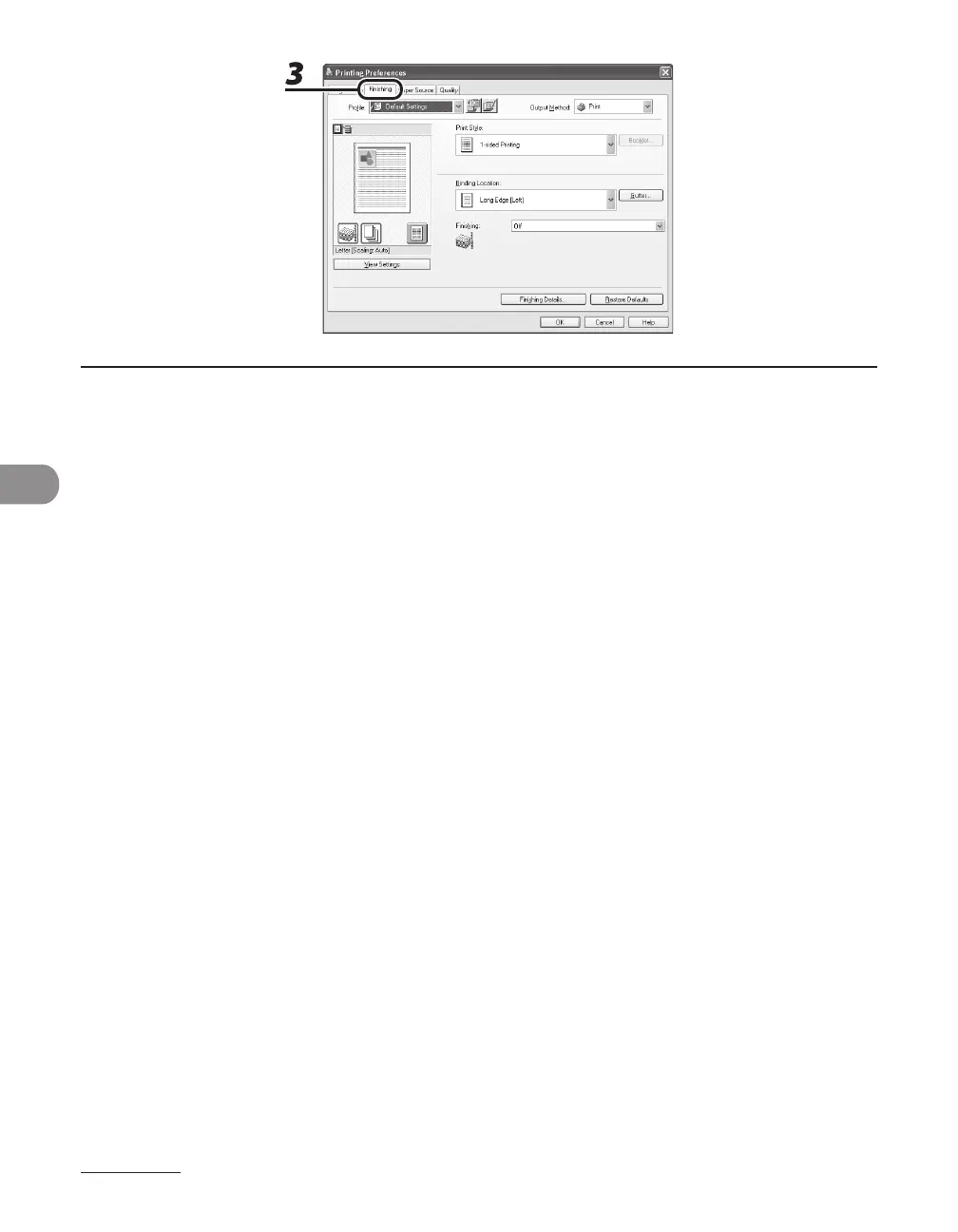
3 Click the [Finishing] tab.










 To Next Page