9-3
Remote UI
Log on Operate the Machine
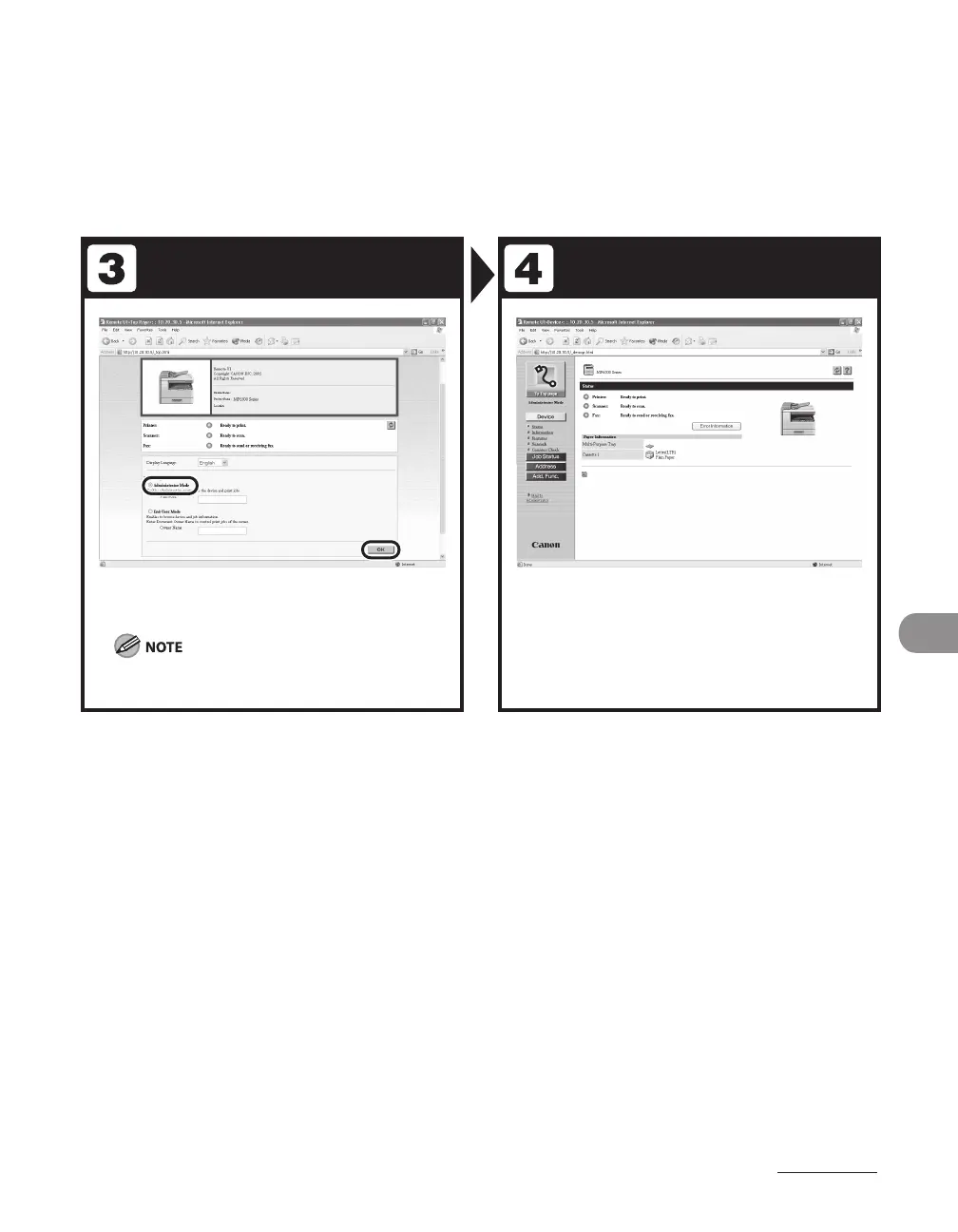
Select the user mode, then click [OK].
If no password is set, you can log on without entering
a password.
Now you can manage the machine on
the web browser.
For details, see Chapter 7, “Remote UI (MF6595cx/
MF6595/MF6590/MF6540 Only),” in the Reference Guide.










 To Next Page