10-9
Maintenance
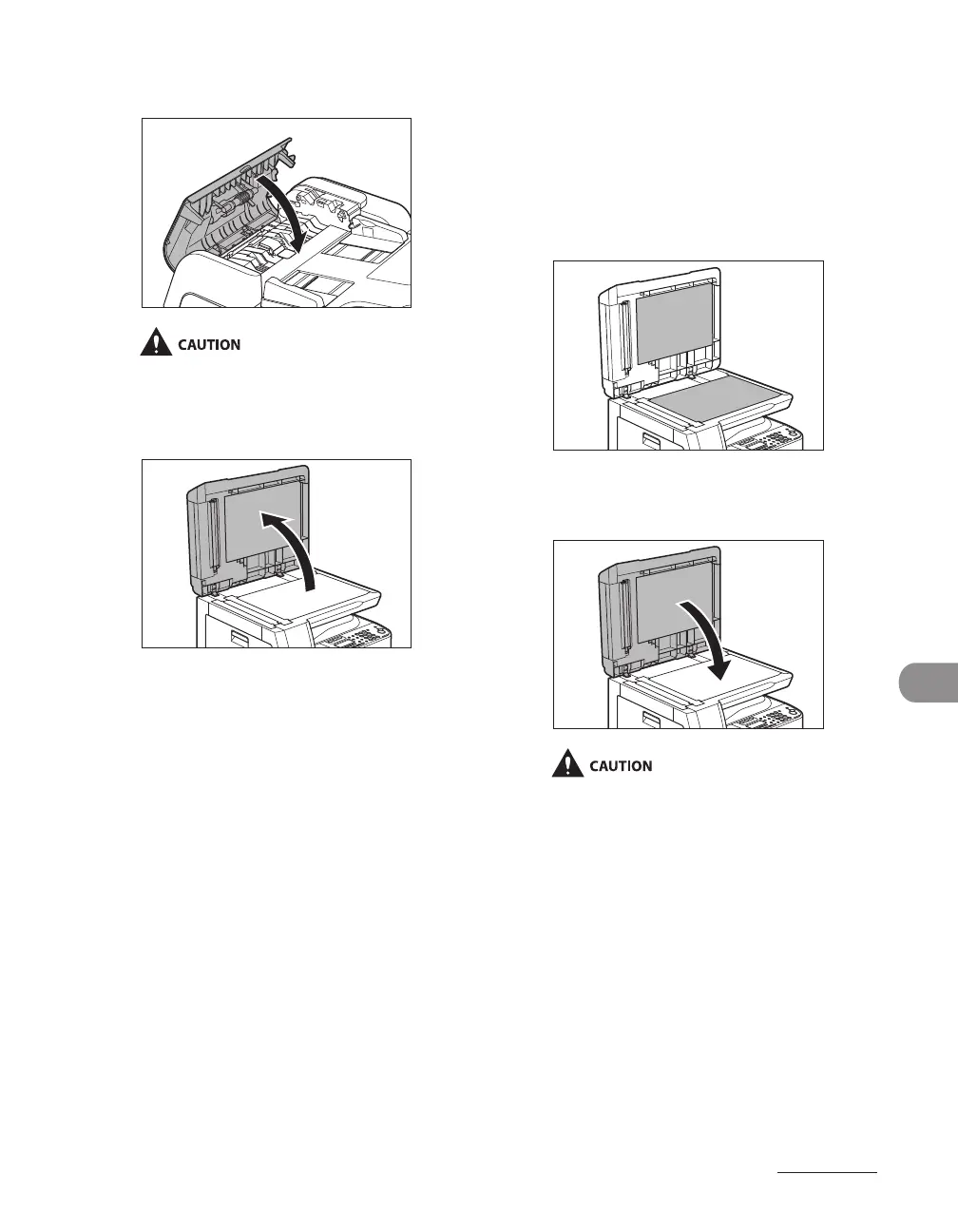
7 Close the ADF cover.
Be careful not to get your fingers caught.
8 Open the ADF.
9 Clean the ADF scanning area (on
the left side of the platen glass)
and the document feeding roller
with a cloth dampened with water.
Then wipe the area with a soft, dry
cloth.
10 Close the ADF.
Be careful not to get your fingers caught.
11 Reconnect the power cord and
turn on the main power switch.










 To Next Page