Maintenance
10-14
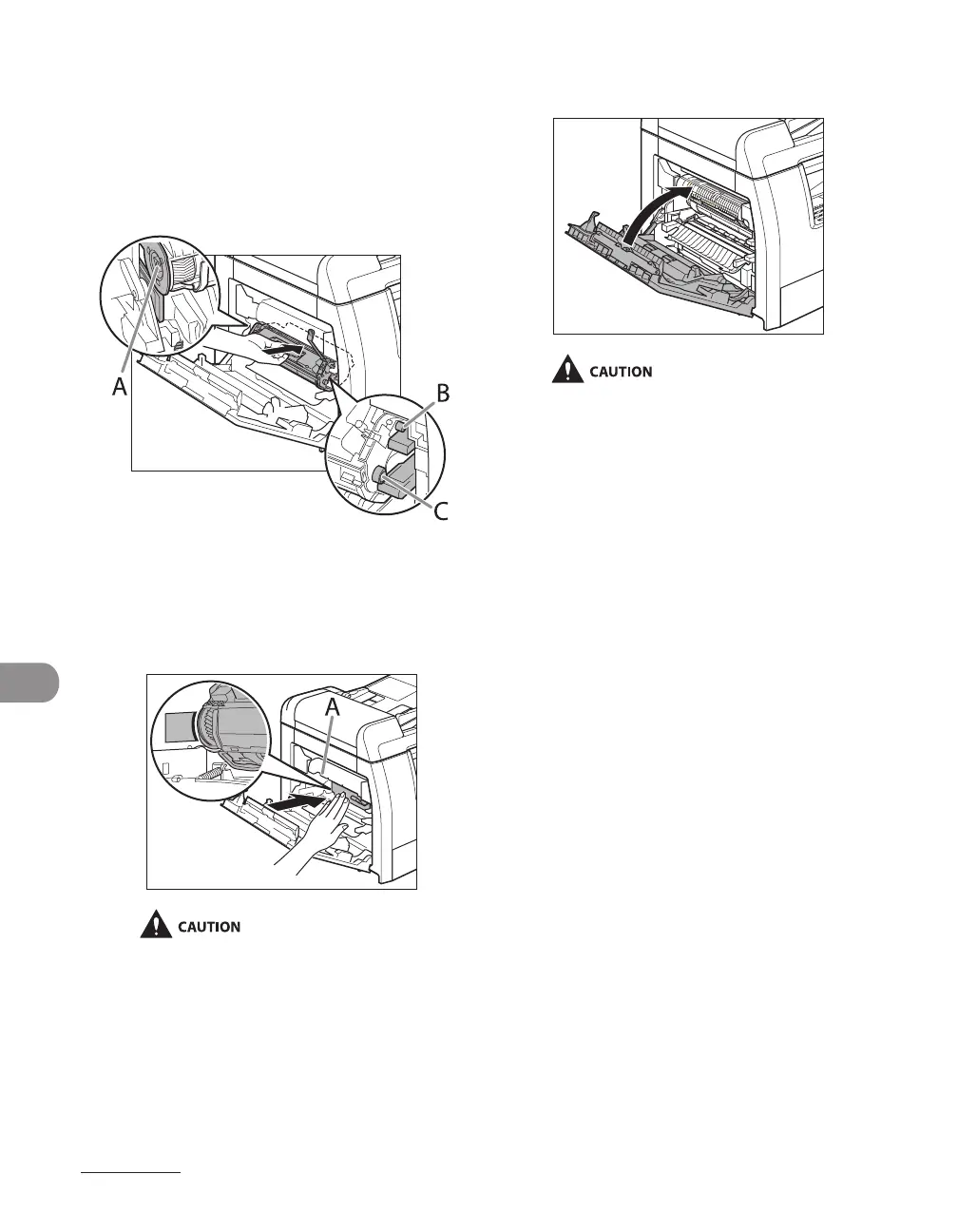
7 Insert the toner cartridge into the
machine as far as it will go.
The left edge (A) and the right side
protrusions (B, C) of the toner cartridge
should be aligned with the guides inside the
machine.
8 Push the toner cartridge to make
sure it is properly set in the
machine.
Do not touch the fixing assembly (A) as it
becomes very hot during use.
9 Close the left cover.
Be careful not to get your fingers caught.
If you cannot close the left cover, do not
force it to close. Open the cover and make
sure the toner cartridge is properly set in
the machine.
–
–










 To Next Page