11-3
Troubleshooting
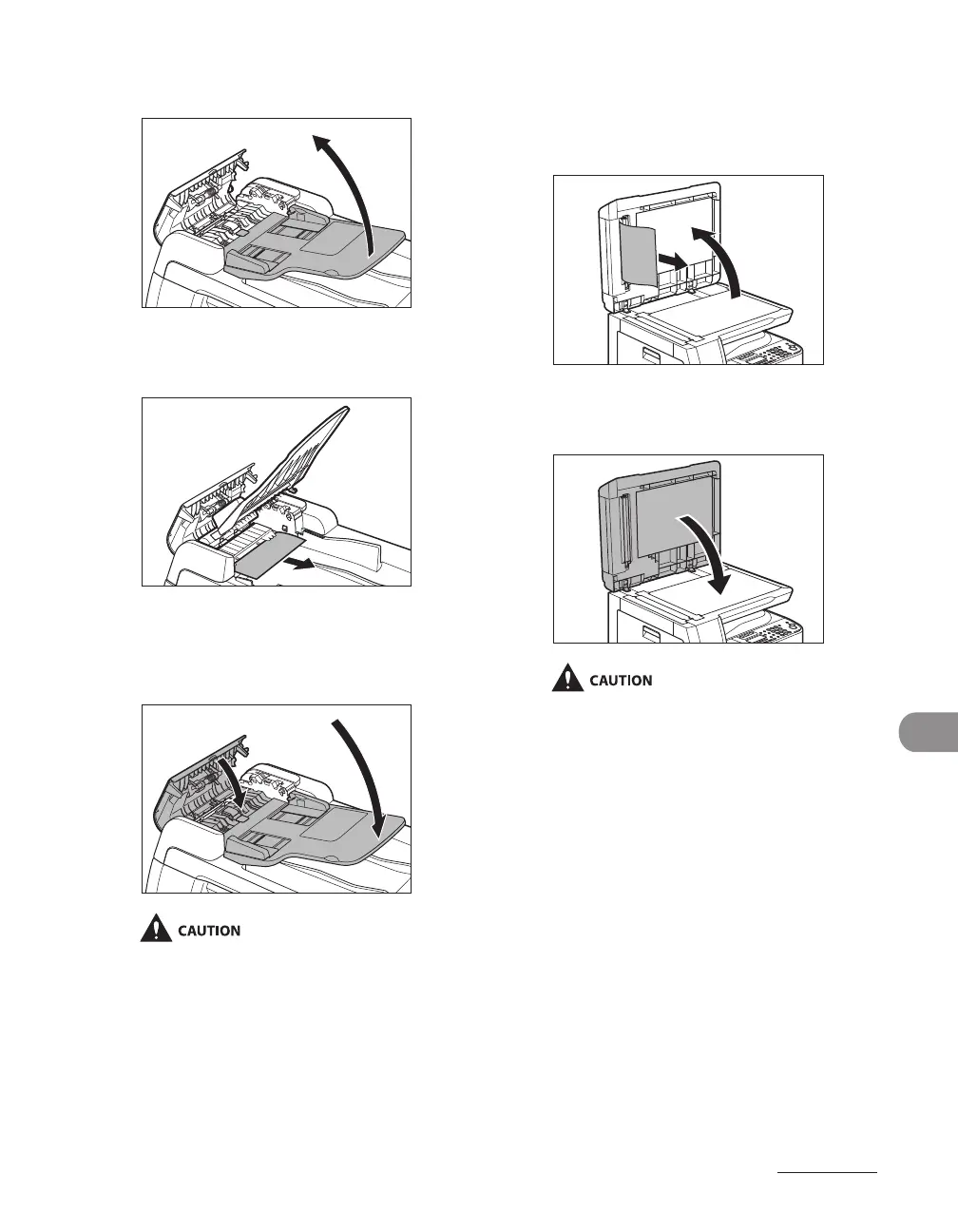
3 Lift the document feeder tray.
4 Remove any jammed documents.
5 Lower the document feeder tray
and close the ADF cover.
Be careful not to get your fingers caught.
6 Open the ADF and then hold both
sides of any jammed documents
and gently pull them out.
7 Close the ADF.
Be careful not to get your fingers caught.










 To Next Page