Before Using the Machine
1-12
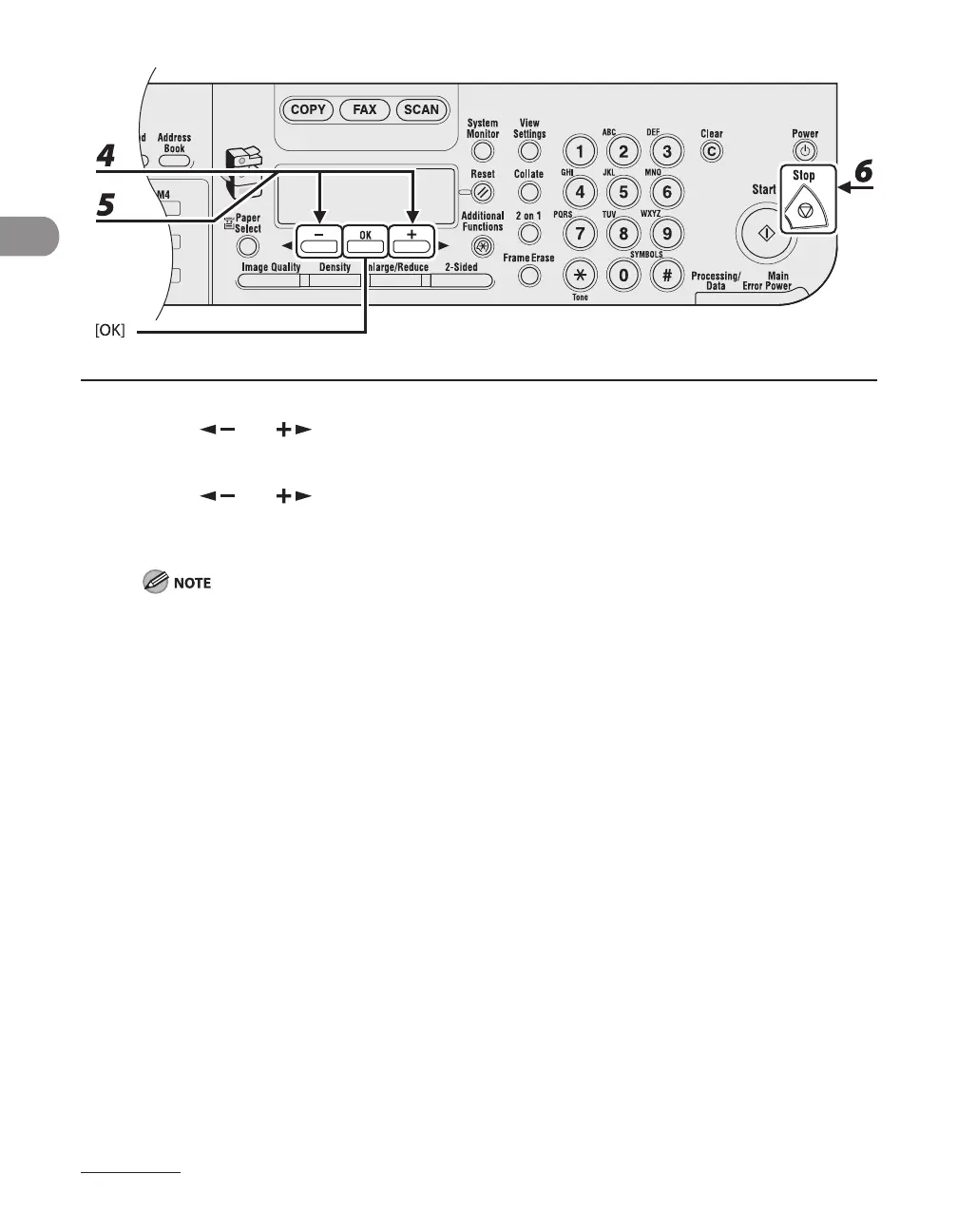
4 Press [ ] or [ ] to select <TEL LINE TYPE>, then press [OK].
5 Press [ ] or [ ] to select the telephone line type, then press [OK].
<TOUCH TONE>: Tone dialing
<ROTARY PULSE>: Pulse dialing
If you do not know the type of telephone line you use, contact your local telephone company.
6 Press [Stop] to return to the standby mode.










 To Next Page