Before Using the Machine
1-14
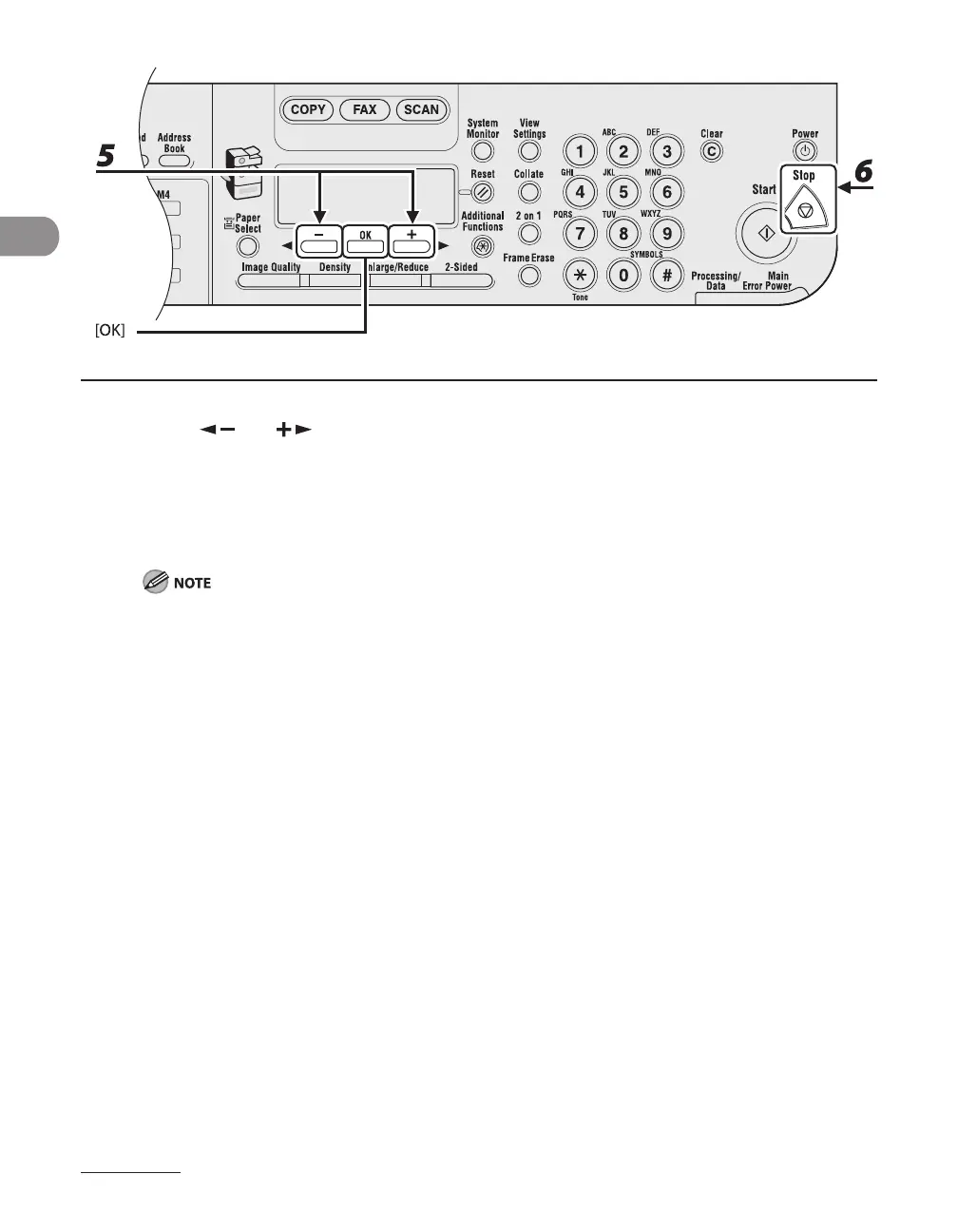
5 Press [ ] or [ ] to select the desired interval, then press [OK].
You can set the interval from 3 to 30 minutes (in one-minute increments).
You can also enter values using the numeric keys.
6 Press [STOP] to return to the standby mode.
To enter the Sleep mode manually, press [Power] on the operation panel.
The machine will not enter the Sleep mode when:
the machine is in operation
the Processing/Data indicator lights or flashes
a message appears on the display and the Error indicator flashes
a paper jam occurs in the machine
the handset of the external telephone is off the hook*
The machine will leave the Sleep mode when:
you press [Power] on the operation panel
a fax is received
the handset of the external telephone is off the hook*
a print job is sent from a computer, and the print is started
a computer performs a scan through the machine
MF6595cx/MF6595/MF6590 only
–
–
•
•
•
•
•
–
•
•
•
•
•
*










 To Next Page