EasyManua.ls Logo

Canon imageCLASS MF6540 - Page 53

Canon imageCLASS MF6540
270 pages
Print Icon
To Next Page IconTo Next Page
To Previous Page IconTo Previous Page
Loading...
Before Using the Machine
1-18
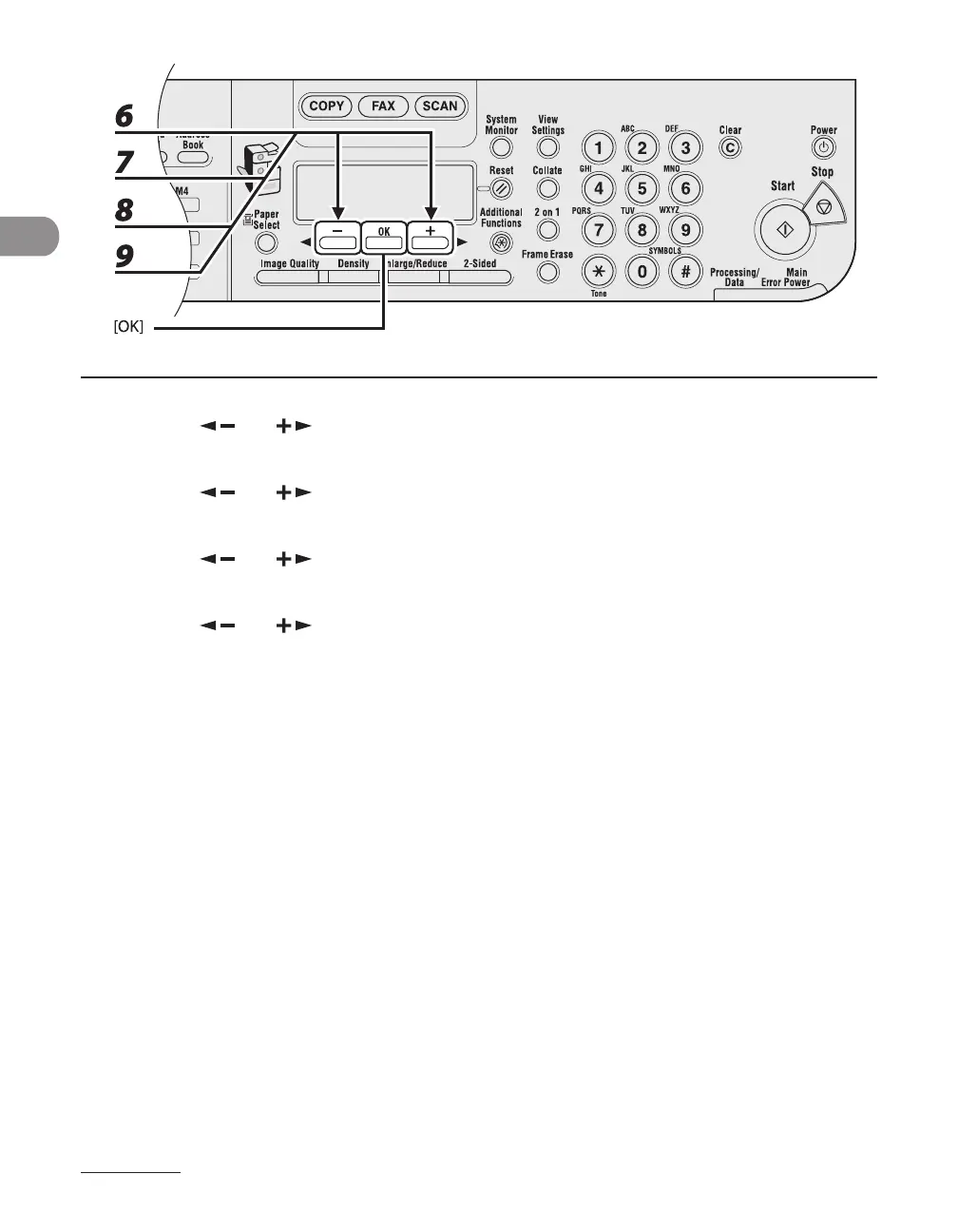
6 Press [ ] or [ ] to select <MONTH>, then press [OK].
7 Press [ ] or [ ] to select the month, then press [OK].
8 Press [ ] or [ ] to select <WEEK>, then press [OK].
9 Press [ ] or [ ] to select the week, then press [OK].


Table of Contents

Other manuals for Canon imageCLASS MF6540

Related product manuals