Copying
3-8
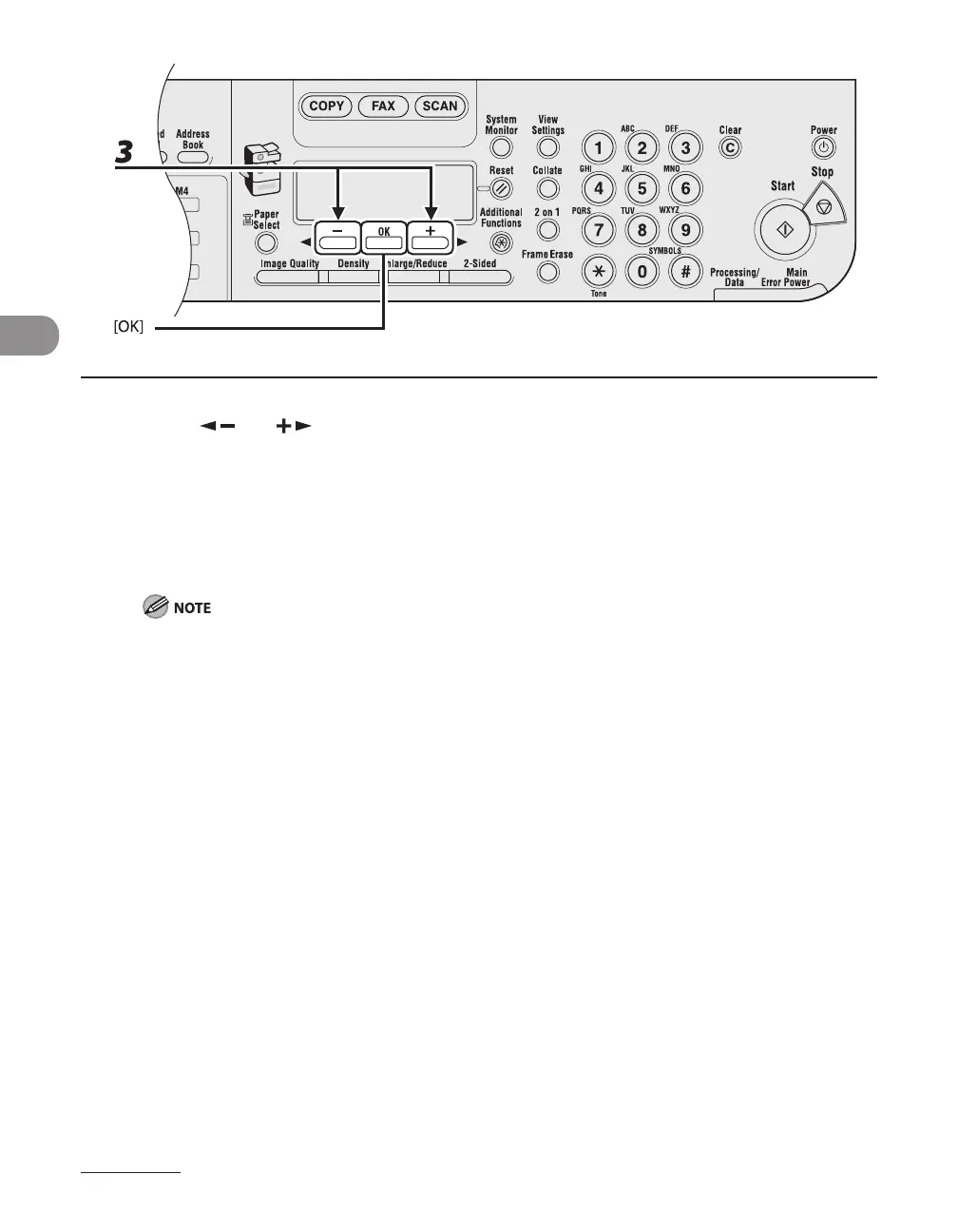
3 Press [ ] or [ ] to select the copy ratio, then press [OK].
200% MAX.
129% STMT LTR
100%
78% LGL LTR
64% LTR STMT
50% MIN.
When <PAPER SIZE GROUP> in the <COPY SETTINGS> menu is set to <A> or <AB>, the preset copy
ratios change as follows:
A: 50%, 70%, 100%, 141%, 200%
AB: 50%, 70%, 81%, 86%, 100%, 115%, 122%, 141%, 200%
–
–
–
–
–
–










 To Next Page