5
(3) Ink tank (target value)
() Estimated Supplemental Yield
Average Yield PGI-5BK CLI-8BK CLI-8C CLI-8M CLI-8Y
Color document (ISO/IEC FCD24712)*1
520pages (5,220)pages 890pages 670pages 700pages
Photo (4" x 6") *2 (3,095)pages (1,305)pages 387pages 271pages 291pages
*1 Color document: Declared yield value in accordance with ISO/IEC FCD24711.
Values obtained by continuous printing.
*2 "Photo (4"" x 6""): When printing Canon standard patterns on 4"" x 6""
<Photo Paper Plus Glossy> continuously with the default settings of <Photo Paper Plus Glossy>
using Windows XP printer driver in borderless printing mode and Windows XP Photo Printing
Wizard. "
Declared yield value determined based on Canon standard method referring to
ISO/IEC FCD24712.
# Ink yield may vary depending on texts/photos printed, applications software used, print mode
and type of paper used.
2-3. Print Head Specifications
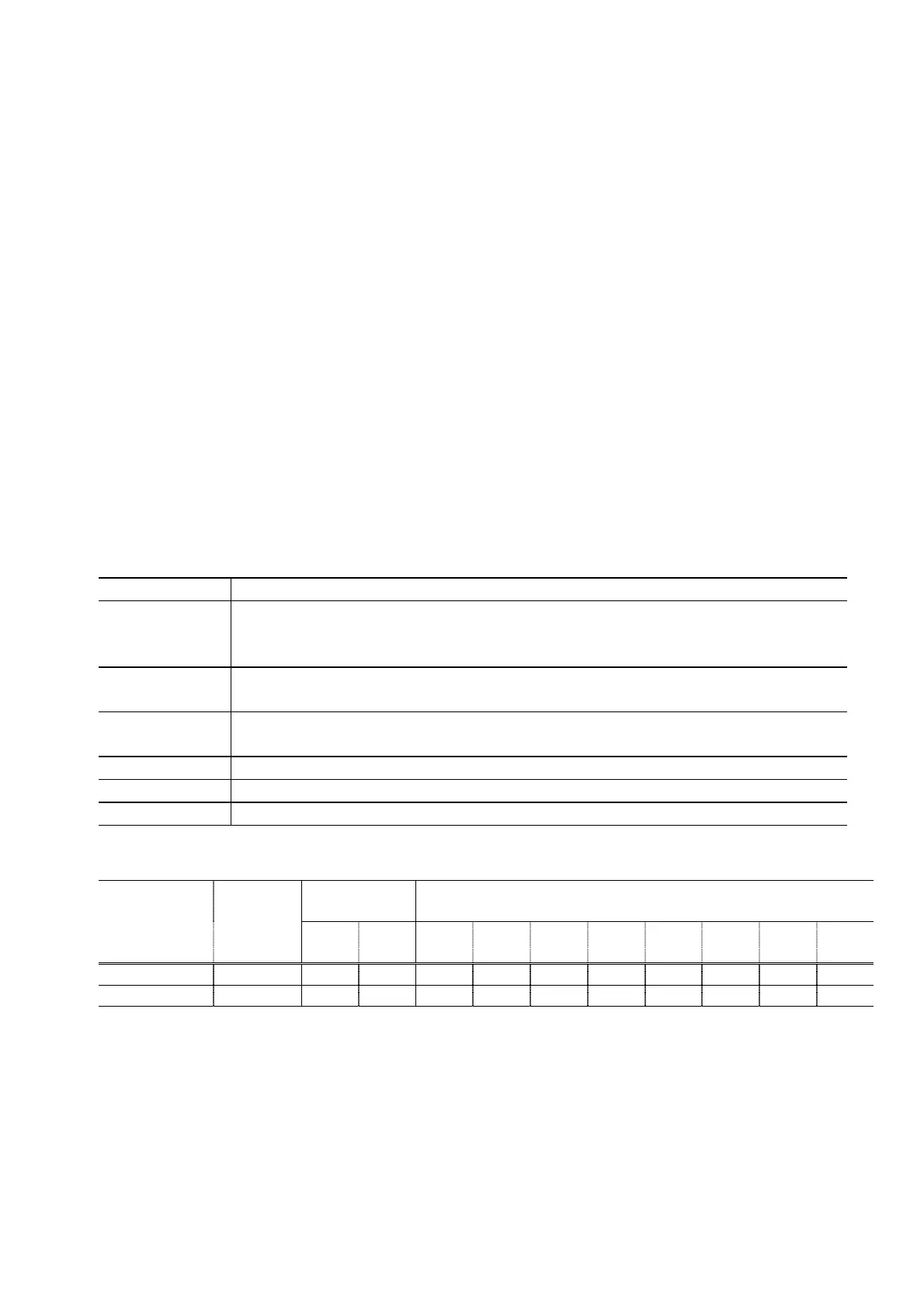
Type Single head with 5 removable ink tanks (each color)
Print head Pigment-based BK: 512 nozzles, 600 dpi, 30 pl
Dye-based BK / C / M / Y: 512 x 6 nozzles, 1,200 dpi, 1 pl / 5 pl (C / M), 5 pl (BK / Y)
(Two 512 nozzles for C and M respectively)
Ink color Pigment-based black
Dye-based black, cyan, magenta, yellow
Ink tank Japan: BCI-9BK (pigment-based), BCI-7eBK / C / M / Y (dye-based)
Others: PGI-5BK (pigment-based), CLI-8BK / C / M / Y (dye-based)
Weight (Net) Print head: Approx. 60 g
Supply method As a service part (not including ink tanks)
Part number QY6-0061-000
2-4. Supported Ink Tanks
Pigment-based
ink
Dye-based ink
Model Destination
BCI-
9BK
PGI-
5BK
BIC-
7eBK
BCI-
7eC
BIC-
7eM
BCI-
7eY
CLI-
8BK
CLI-
8C
CLI-
8M
CLI-
8Y
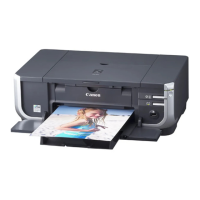
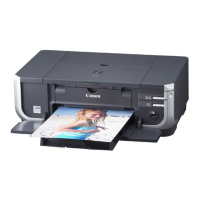
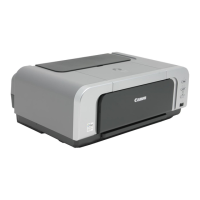
PIXUS iP4300 Japan O X O O O O X X X X
PIXMA iP4300 Others X O X X X X O O O O
O: Usable
X: Not usable
Note: The ink tanks for the Japanese model are not compatible with those for the other models. Be
sure to use the appropriate ink tanks in servicing.







 To Next Page