Replacing the Toner Cartridge
2-10
Routine Maintenance
2
5
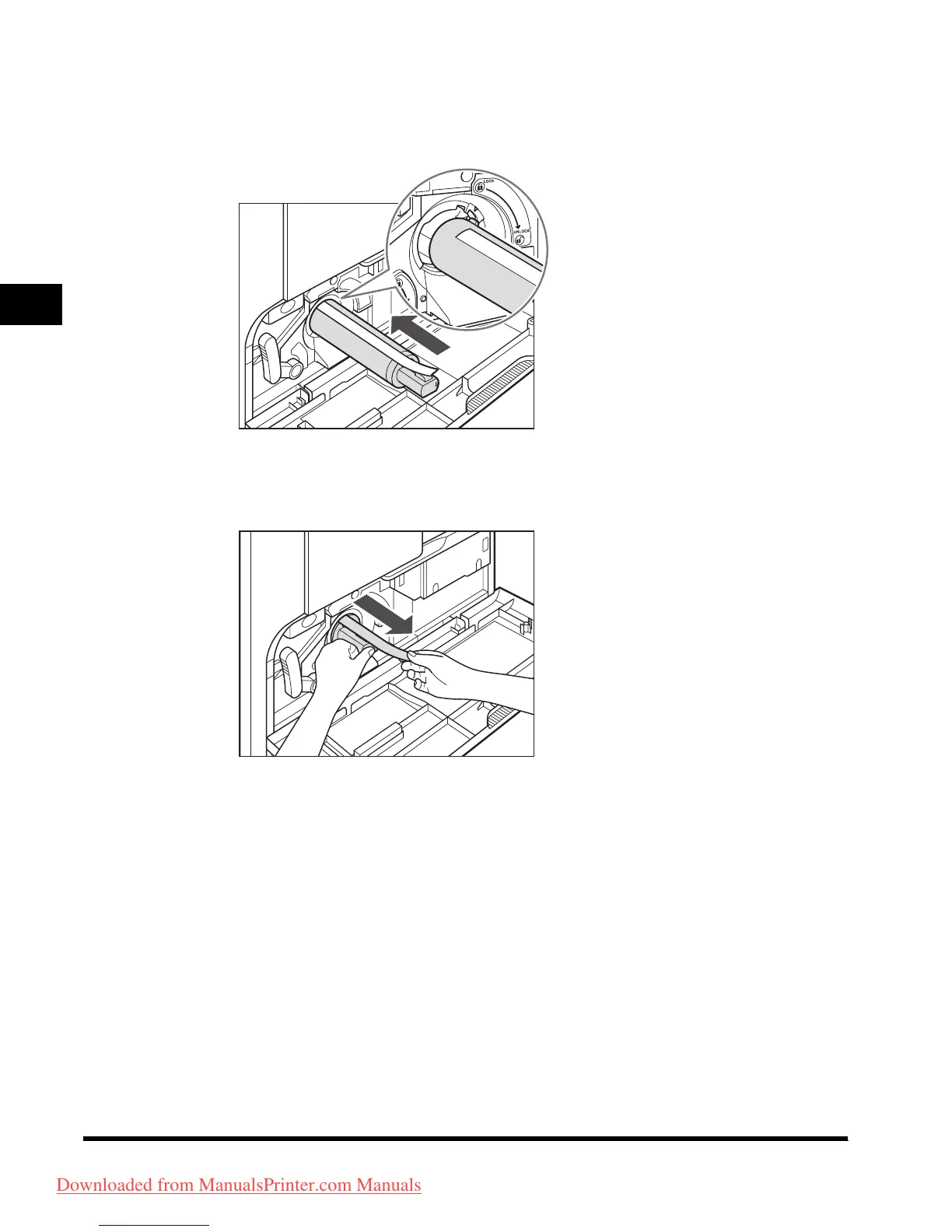
With the side with the label facing up, insert the new toner
cartridge in the direction of the arrow while grasping its
handle.
6
Hold the toner cartridge with one hand, and remove the seal
by pulling it out with the other hand.
Downloaded from ManualsPrinter.com Manuals












 To Next Page