(2) Operation panel removal
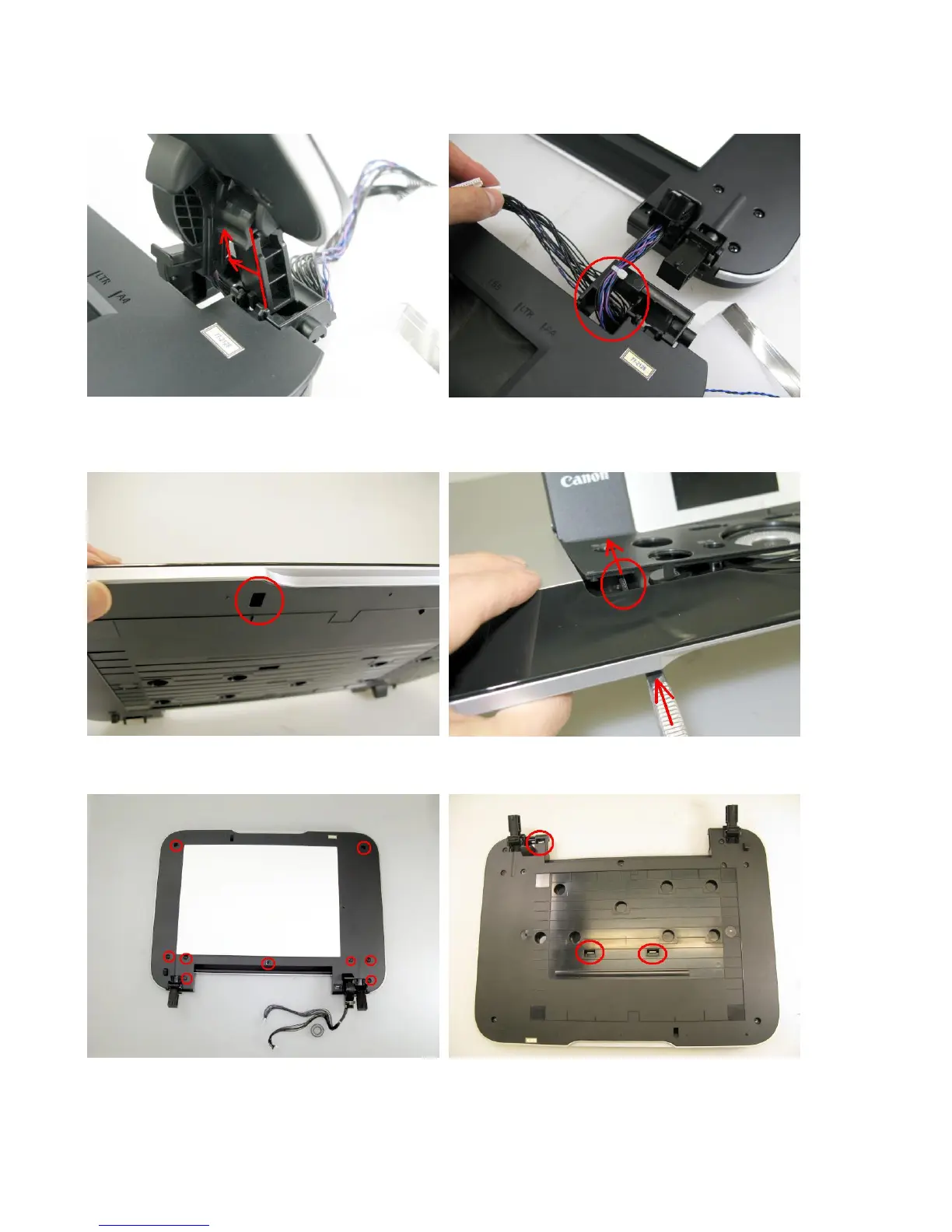
1) Separate the document pressure plate from the scanner unit.
<While pushing the hinge edge inward, pull the plate upward to separate it from the scanner unit.>
<Remove the panel cable from the scanner unit. It will make it easier if the cable core is removed first.>
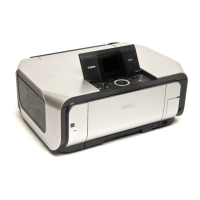
2) Remove the panel cover.
<Insert a pair of tweezers through into the hole in the bottom of the document pressure plate, and push the panel cover
to release it from the plate base.>
3) Remove the top cover from the base (9 screws).
<There are 2 claws at the center of the top cover where the document pressure sheet (sponge sheet) is attached..>



 To Next Page