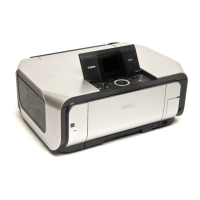
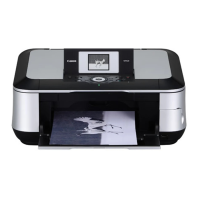
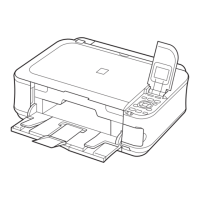
*1: General notes:
- Make sure that the flexible cables and wires in the harness are in the proper position and connected correctly. See 3-2. Special
Notes on Repair Servicing or the Parts Catalog for details.
- Do not drop the ferrite core, which may cause damage.
- Protect electrical parts from damage due to static electricity.
- Before removing a unit, after removing the power cord, allow the machine to sit for approx. 1 minute (for capacitor discharging
to protect the logic board ass'y from damages).
- Do not touch the timing slit strip film and timing slit disk feed film. No grease or abrasion is allowed.
- Protect the units from soiled with ink.
- Protect the housing from scratches.
- Exercise caution with the screws, as follows:
i. The screws of the paper feed motor may be loosened only at replacement of the paper feed motor unit (DO NOT
loosen them in other cases).
ii. Before loosening the 3 screws that fix the carriage rail to the main chassis, mark the screw positions so that the
carriage rail will be re-attached to the main chassis in its original position.
<3-1. Notes on Service Part Replacement>



 To Next Page