1. MAINTENANCE
1-1. Adjustment, Periodic Maintenance, Periodic Replacement Parts, and Replacement
Consumables by Service Engineer
(1) Adjustment
MP620 / MP628 TABLE OF CONTENTS
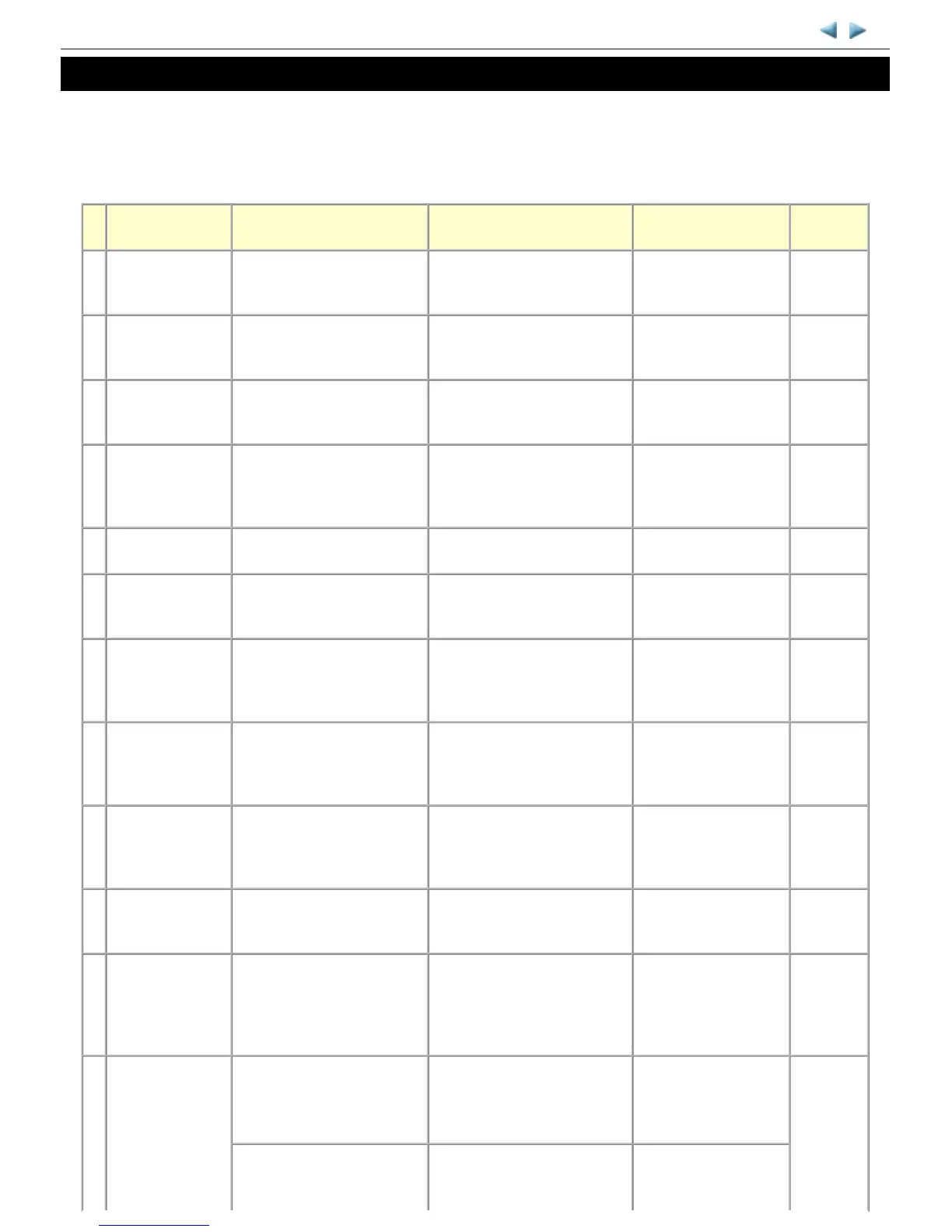
Adjustment Timing Purpose Tool
Approx.
time
EEPROM
initialization
- At logic board replacement To initialize settings
Service Tool
*1
Perform in the service
mode.
1 min.
Destination settings
(EEPROM settings)
- At logic board replacement To set destination.
Service Tool
*1
Perform in the service
mode.
1 min.
Ink absorber
counter resetting
(EEPROM settings)
- At logic board replacement
- At ink absorber replacement
To reset the ink absorber counter.
Service Tool
*1
Perform in the service
mode.
1 min.
Ink absorber
counter value
setting
(EEPROM settings)
- At logic board replacement To set the ink amount data in the
ink absorber to the ink absorber
counter.
Service Tool
*1
Perform in the service
mode.
1 min.
Ink absorber
replacement
- When the ink absorber
becomes full
To replace the ink absorber with
a new one.
Screwdriver, a pair of
tweezers, etc.
15 min.
Paper feed motor
position adjustment
- At paper feed motor
replacement
To adjust the belt tension.
(Position the paper feed motor so
that the belt is stretched tight.)
None. 5 min.
Manual print head
alignment
- At print head replacement
- At logic board replacement
- When print quality is not
satisfying
To secure the dot placement
accuracy.
None.
Perform in the user
mode.
10 min.
Grease application - At carriage unit replacement
- At Easy-Scroll Wheel
replacement
To maintain sliding properties of
the following items:
- Carriage rail
- Wheel base
FLOIL KG-107A 1 min.
Ink system function
check
- At logic board replacement
- At spur unit replacement
- At carriage unit replacement
To maintain detection
functionality for presence of the
ink tanks and each ink tank
position.
Service Tool
*1
Perform in the service
mode.
1 min.
LCD language
settings
- At logic board replacement To set the language to be
displayed on the LCD.
None.
Perform in the user
mode.
1 min.
Platen glass
protection sheet
(document pressure
sheet) position
adjustment
- At protection sheet
replacement
- At document bottom cover
replacement
- At scanner unit replacement
To maintain scanning accuracy,
hold the sheet with the long side
down, then fit its upper left
corner to the platen glass
reference mark (back left).
None. 1 min.
LF / Eject
correction
- At logic board replacement
- At paper feed roller
replacement
To correct line feeding (LF roller
diameter).
Service Tool
*1
Perform in the service
mode.
5 min.
(LF
correction
and Eject
correction
is
performed
- At logic board replacement
- At platen unit replacement
To correct line feeding (eject
roller diameter).
Service Tool
*1
Perform in the service
mode.



 To Next Page