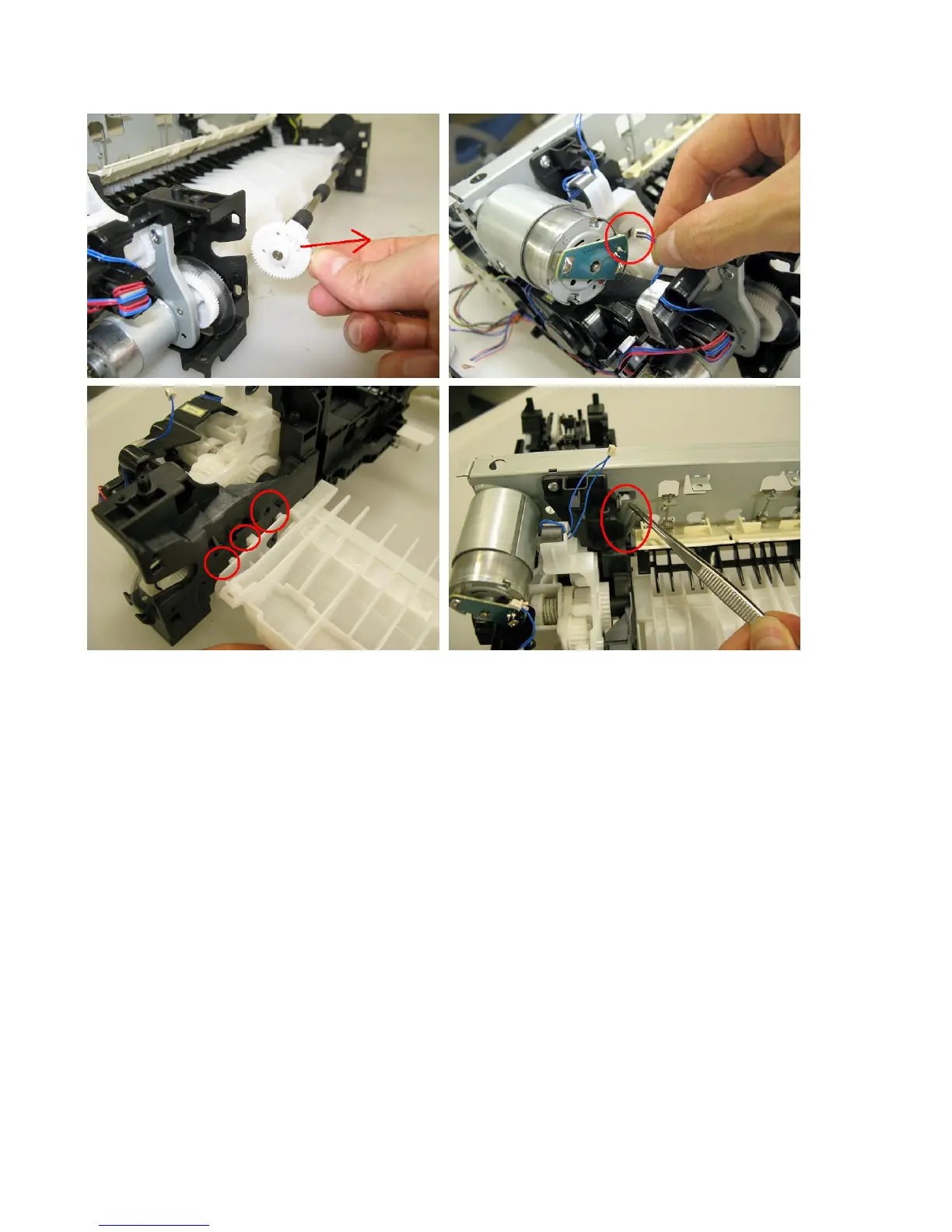
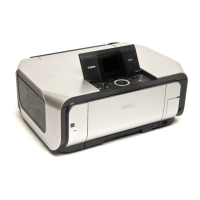
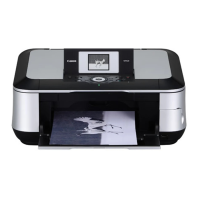
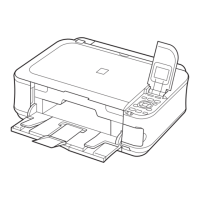
(9) Purge drive system unit (right plate) and switch system unit (left plate) removal
1) Release the springs of the carriage motor cable, duplex printing paper feed roller, cassette feed roller, cassette feed
guide, and paper guide unit (both sides). (See the Parts Catalog for details.)
2) Remove the pressure roller springs (both the left and the right ones).



 To Next Page