EasyManua.ls Logo

Canon MVX10i - User Manual

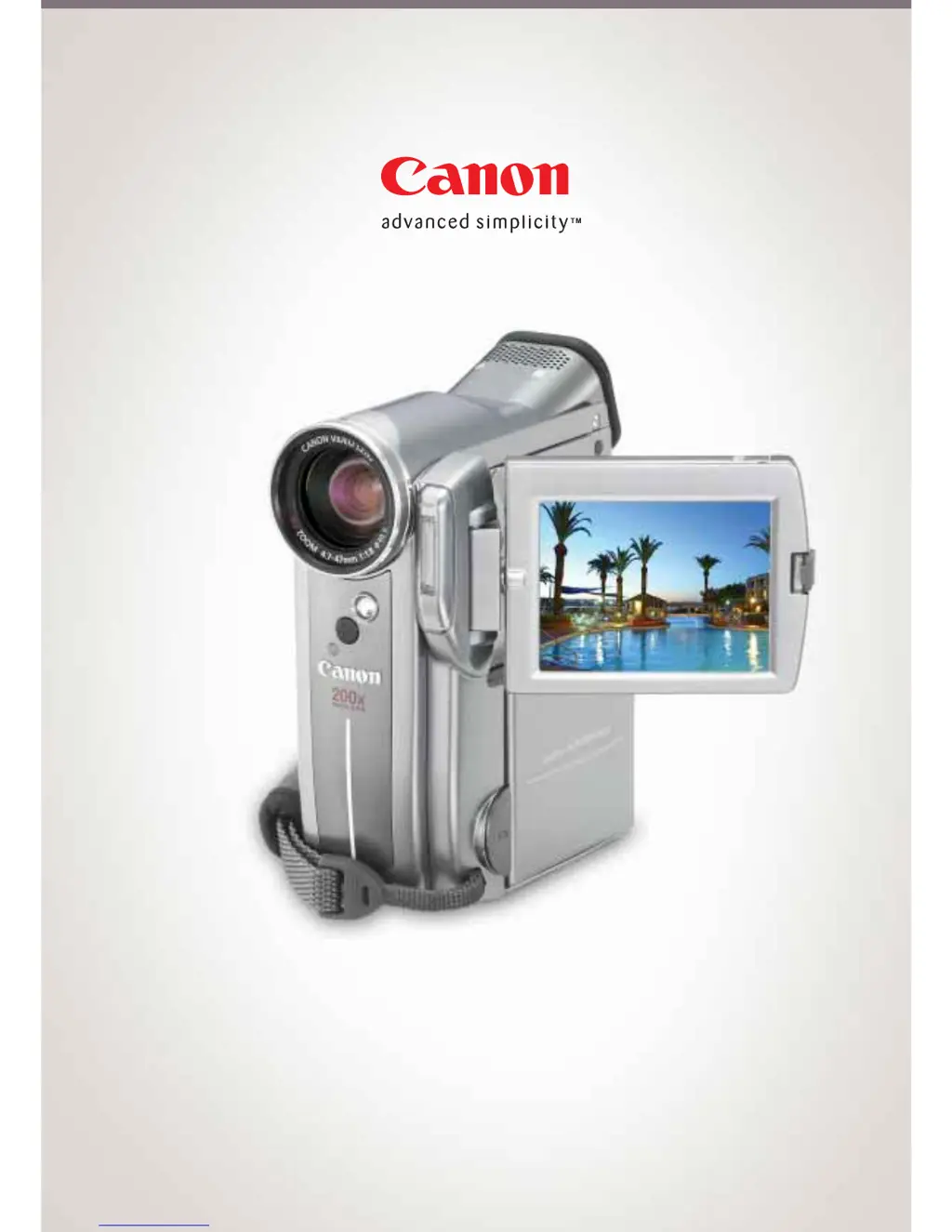
Canon MVX10i
8 pages
Print Icon
To Next Page IconTo Next Page
Loading...
The compact multimedia DV camera for high quality video and stills.
MVX10i Digital Video Camera

Questions and Answers

  • U
    uhallJul 29, 2025
    What to do if buttons will not work on Canon MVX10i Camcorder?
    • J
      joshuabairdJul 29, 2025
      If the buttons on your Canon Camcorder aren't working, here are a few things to check: * Ensure the camcorder is turned on. * Make sure a cassette is loaded. * Verify the battery pack is charged or replaced with a fresh one. * If the camcorder stopped to protect the tape, try unloading and reloading the cassette. * Check that the camcorder and wireless controller (if applicable) are set to the same remote sensor mode and that the wireless controller's batteries are not exhausted.
  • C
    Christopher WalkerAug 3, 2025
    Why is my Canon Camcorder not displaying movies in CARD PLAY (VCR) mode?
    • A
      alexiswilsonAug 3, 2025
      If your Canon Camcorder isn't displaying movies in CARD PLAY (VCR) mode, consider the following: * Ensure the memory card is inserted correctly. * Check if the memory card is full and replace it or erase images. * Make sure the memory card is formatted. * Verify that the camcorder is set to CARD PLAY (VCR) mode. * If the camcorder displays the still image playback mode, press the CARD STILL/MOVIE button to switch to MPEG-4 movie playback.
  • T
    Tina FoxAug 8, 2025
    What to do if pressing the playback button does not start playback on Canon Camcorder?
    • H
      hparksAug 9, 2025
      If pressing the playback button on your Canon Camcorder doesn't start playback, try the following: * Ensure the camcorder is turned on and set to PLAY (VCR) mode. * Make sure a cassette is loaded. * Rewind the tape if it has reached the end. * In the menu, set [AV/PHONES] to [AV] and [AV / DV OUT] to [OFF]. * Ensure the TV/VIDEO selector on the TV is set to VIDEO.
  • B
    Brittany GuzmanAug 13, 2025
    How to fix Canon Camcorder when button will not start recording?
    • C
      Cathy HawkinsAug 13, 2025
      If the button on your Canon Camcorder won't start recording, consider these possibilities: * Ensure the camcorder is set to CAMERA mode. * Set the time zone, date, and time, or replace the backup battery and reset the date and time. * Make sure the camcorder is turned on and a cassette is loaded. * Rewind or replace the tape if it has reached the end, or change the position of the protect switch if the cassette is protected. * Focus manually if autofocus doesn't work, and clean the lens if it's dirty.
  • J
    Jeremy HammondAug 18, 2025
    Why the printer is not operating even though Canon MVX10i and printer are correctly connected?
    • M
      Melissa ClarkAug 18, 2025
      If the printer is not operating even though your Canon Camcorder and printer are correctly connected, it may be because the camcorder is set to NETWORK mode. To resolve this: 1. Set the camcorder to CARD PLAY (VCR) mode. 2. Disconnect and reconnect the USB cable. 3. Turn off the printer and turn it back on.
  • G
    Gregory JohnsonAug 23, 2025
    How to open cassette compartment on Canon MVX10i?
    • S
      stanley72Aug 23, 2025
      To open the cassette compartment on your Canon Camcorder, open the cassette compartment cover fully.

Canon MVX10i Specifications

General IconGeneral
TypeDigital Camcorder
Camcorder TypeMini DV
Optical Zoom10x
Digital Zoom200x
LCD Screen Size2.5 inches
Recording MediaMiniDV tape
Media TypeMiniDV
Image SensorCCD
Effective Pixels (Video)1.33 MP
Effective Pixels (Photo)1.33 MP
ViewfinderColor
Photo StorageSD Card

Related product manuals