

 To Next Page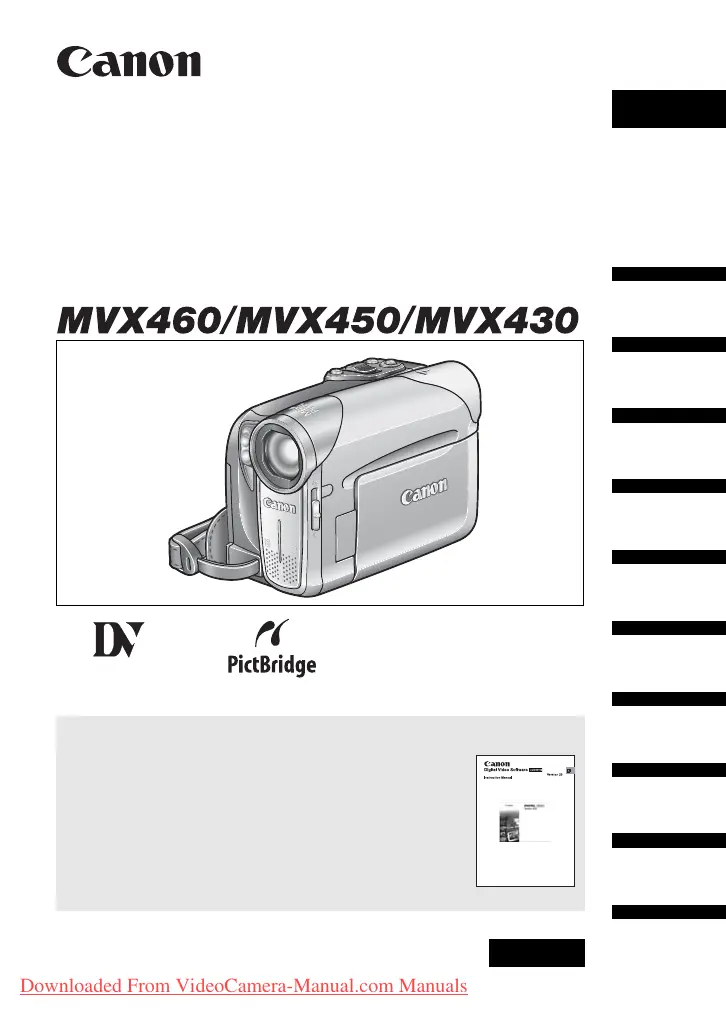
J
James MckaySep 23, 2025
What does it mean if “ ” flashes red on my Canon Camcorder?
- AAlexis FoleySep 23, 2025
Turn off the Canon Camcorder, remove and reinsert the memory card. If flashing persists, initialize the memory card.

What does it mean if “ ” flashes red on my Canon Camcorder?
Turn off the Canon Camcorder, remove and reinsert the memory card. If flashing persists, initialize the memory card.
Why my Canon MVX430 will not turn on?
If your Canon Camcorder isn't turning on, it's likely due to an exhausted battery pack. Replace or charge the battery pack. Also, ensure that the battery pack is correctly attached.
How to fix Canon MVX430 Camcorder viewfinder picture is blurred?
If the viewfinder picture on your Canon Camcorder is blurred, adjust the viewfinder with the dioptric adjustment lever.
Why does my Canon Camcorder switch off by itself?
If your Canon Camcorder switches off by itself, the battery pack may be exhausted. Replace or charge the battery pack. You can also try to turn on the camcorder.
What to do if Canon Camcorder battery pack will not charge?
If the Canon Camcorder's battery pack will not charge, make sure you are charging the battery pack in temperatures between 0 °C and 40 °C. If the temperature is too high, wait until the battery pack temperature is below 40 °C and retry charging. You can also try using a different battery pack.
What to do if “ ” flashes on the screen of Canon MVX430?
If “ ” flashes on the screen of your Canon Camcorder, load a cassette, or replace or charge the battery pack. If condensation is detected, see reference page.
What to do if “SET THE TIME ZONE, DATE AND TIME” appears on the screen of Canon MVX430?
If “SET THE TIME ZONE, DATE AND TIME” appears on the screen of your Canon Camcorder, set the time zone, date and time. If that doesn't work, replace the backup battery with a new lithium button battery CR1616 and then set the time zone, date and time again.
How to fix Canon MVX430 Camcorder video noise during playback?
During playback, if there is video noise on your Canon Camcorder, clean the video heads.
What to do if Canon MVX430 Camcorder cassette compartment stopped during loading/ unloading?
If the Canon Camcorder cassette compartment stopped during loading/ unloading, replace or charge the battery pack.
How to fix Canon Camcorder memory card cannot be recorded?
If the Canon Camcorder is not recording to the memory card, make sure a memory card is inserted. If it is full, replace the memory card or erase images. You can also initialize the memory card. As a last resort, set [FILE NOS.] to [RESET] and insert a new memory card.
Key warnings and cautions for safe and proper operation.
Instructions for attaching the battery pack and charging it.
Step-by-step guide on how to insert a video cassette.
Instructions for inserting and removing SD or MultiMediaCards.
How to record video onto a cassette tape.
Steps for recording still images and movies onto a memory card.
Common problems and their solutions for power, recording, and playback.
Safety guidelines for using the camcorder and battery pack.
 General





