69
Advanced Functions
Changing the Settings (2)
E
Using the Wind Screen
The camcorder reduces the wind noise automatically (only when recording audio with the
built-in microphone). However, you can turn off the wind screen when recording indoors,
or when you want the microphone to be as sensitive as possible.
Available in the and modes.
: Available also in mode for audio dubbing only when
[AUDIO DUB.] is set to [MIC. IN].
or mode:
1. Set the mode switch to .
mode ( only):
1. Select the microphone as the input for audio dubbing.
Open the FUNC. menu. Select ( ) [ MENU] [AUDIO SETUP] [AUDIO
DUB.] [MIC. IN] and close the menu.
2. Open the FUNC. menu, select ( ) the icon and press ( ).
3. Select ( ) the [AUDIO SETUP] menu and press ( ). Then, select
( ) the [WIND SCREEN] option and press ( ).
4. Set it to [OFF ] and press ( ) to save the changes, then close the
menu.
“ ” appears when you turn the wind screen off.
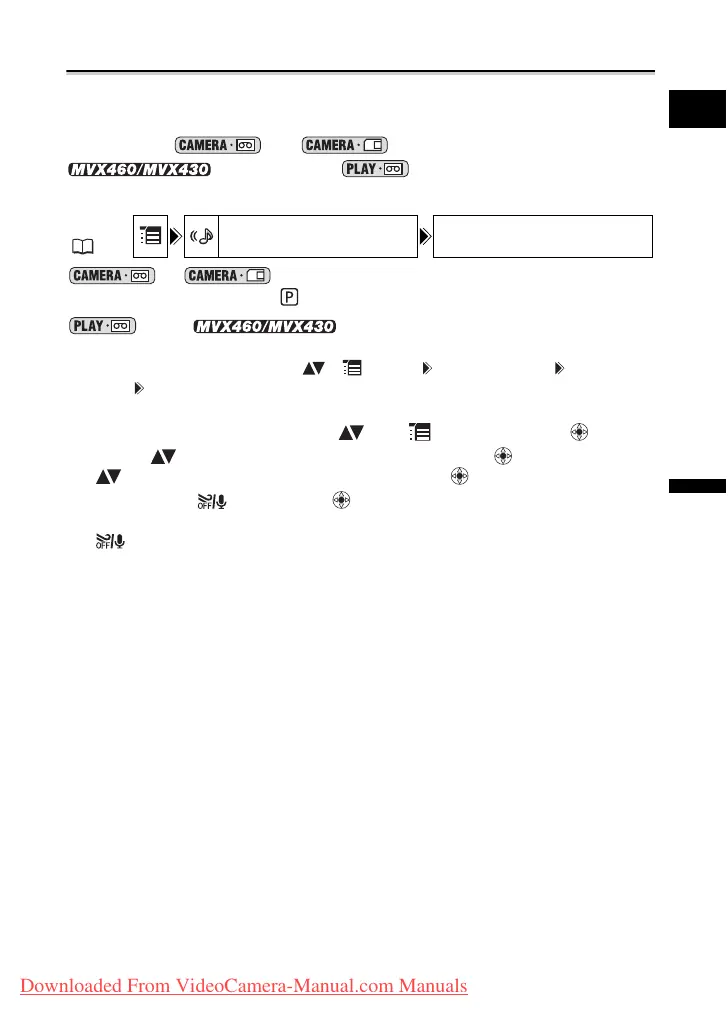
MENU
( 63)
AUDIO SETUP WIND SCREEN
AUTO
Downloaded From VideoCamera-Manual.com Manuals



 To Next Page