46
Using the Program AE Mode
The camcorder automatically adjusts the shutter speed and exposure according to the
brightness of the subject. With the Program AE recording program, you can point and
shoot as in mode, however, you have the option of changing some settings.
Available only in the
and modes.
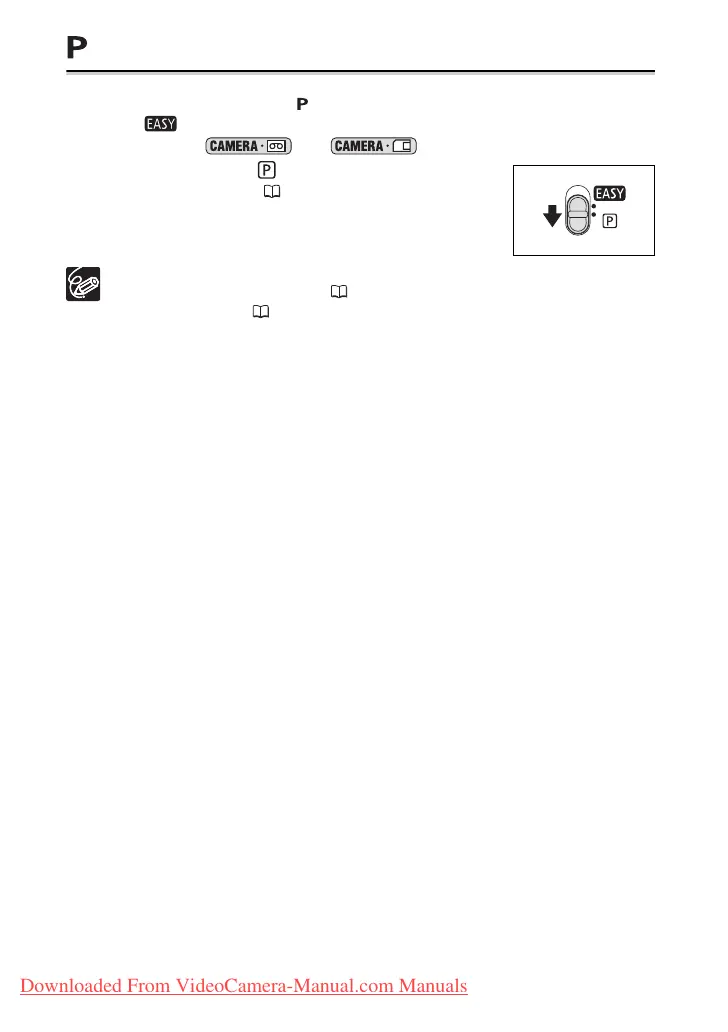
Set the mode switch to and select the [PROGRAM
AE] recording program ( 44).
If the optimal exposure cannot be obtained, try the following actions.
• Manually adjust the exposure ( 47).
• Use the LED light ( 50).
Downloaded From VideoCamera-Manual.com Manuals



 To Next Page