70
Playback
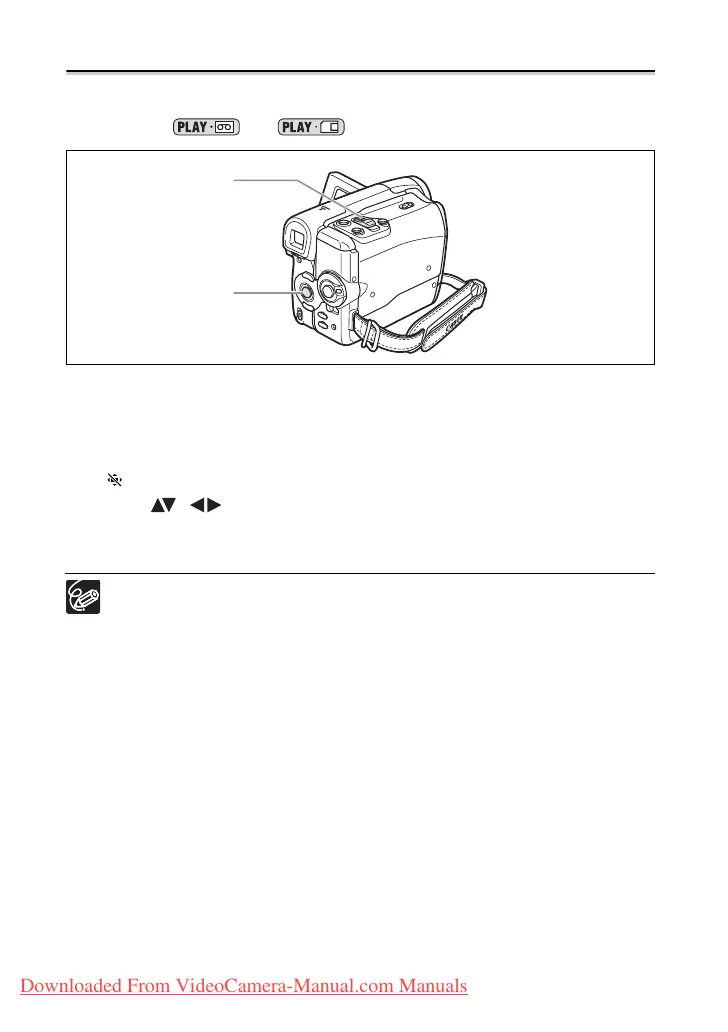
Magnifying the Image
When playing back movies from the tape or viewing still images from the memory card,
the image can be magnified up to 5 times.
Available in the
and modes.
1. Move the zoom lever toward T.
• The image is magnified by 2 times.
• A frame appears indicating the position of the magnified area.
• To further enlarge the image, move the zoom lever toward T. To shrink the image
below 2 times magnification, move the zoom lever toward W.
• “ ” will appear for images that cannot be enlarged.
2. Select ( , ) the magnified area.
3. To cancel the magnification, move the zoom lever toward W until the
frame disappears.
The position of the magnified frame cannot be selected with the wireless
controller.
Zoom lever
Joystick
Downloaded From VideoCamera-Manual.com Manuals



 To Next Page