84
Initializing a Memory Card
Initialize new memory cards, or when you get the message “CARD ERROR”. You can
also initialize a memory card to erase all data recorded on it.
Initializing a memory card erases all data, including protected images.
Images erased with the initialization of the memory card cannot be recovered.
Initialize all memory cards before using them with this camcorder.
Available only in the
mode.
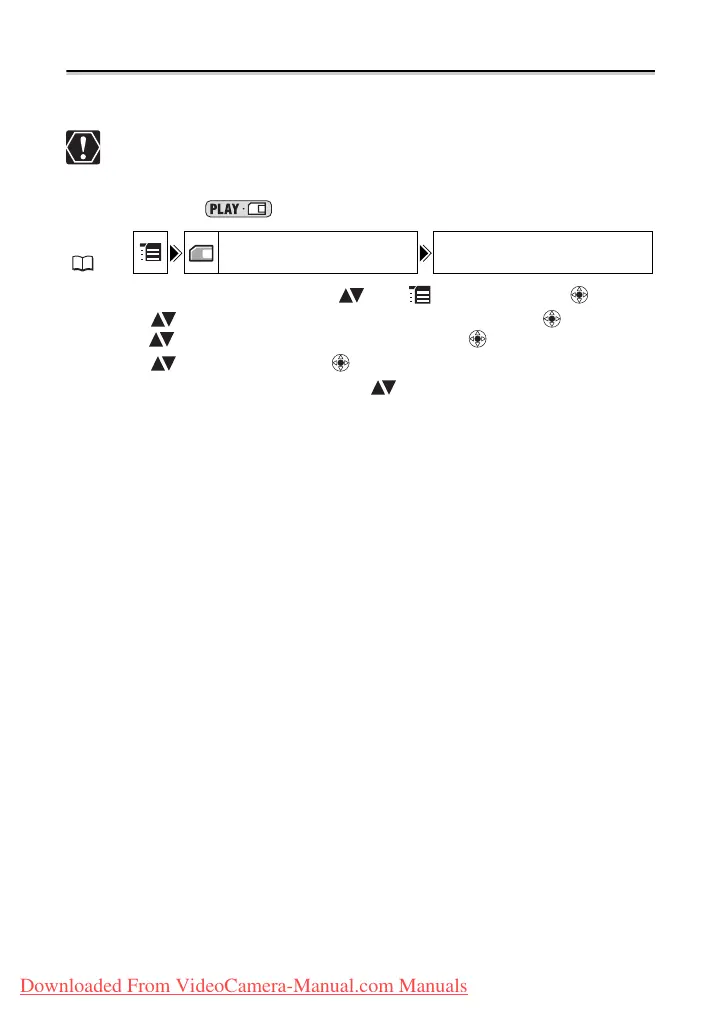
1. Open the FUNC. menu, select ( ) the icon and press ( ).
2. Select ( ) the [CARD OPERATIONS] menu and press ( ). Then,
select ( ) the [INITIALIZE] option and press ( ).
3. Select ( ) [YES] and press ( ).
4. In the confirmation screen, select ( ) [YES] to initialize the memory
card.
The card initialization will take a moment. When the initialization is completed the
camcorder will return to the [CARD OPERATIONS] menu. Press the FUNC. button to
close the menu.
MENU
( 63)
CARD OPERATIONS INITIALIZE
Downloaded From VideoCamera-Manual.com Manuals



 To Next Page