35
Basic Functions
Recording
E
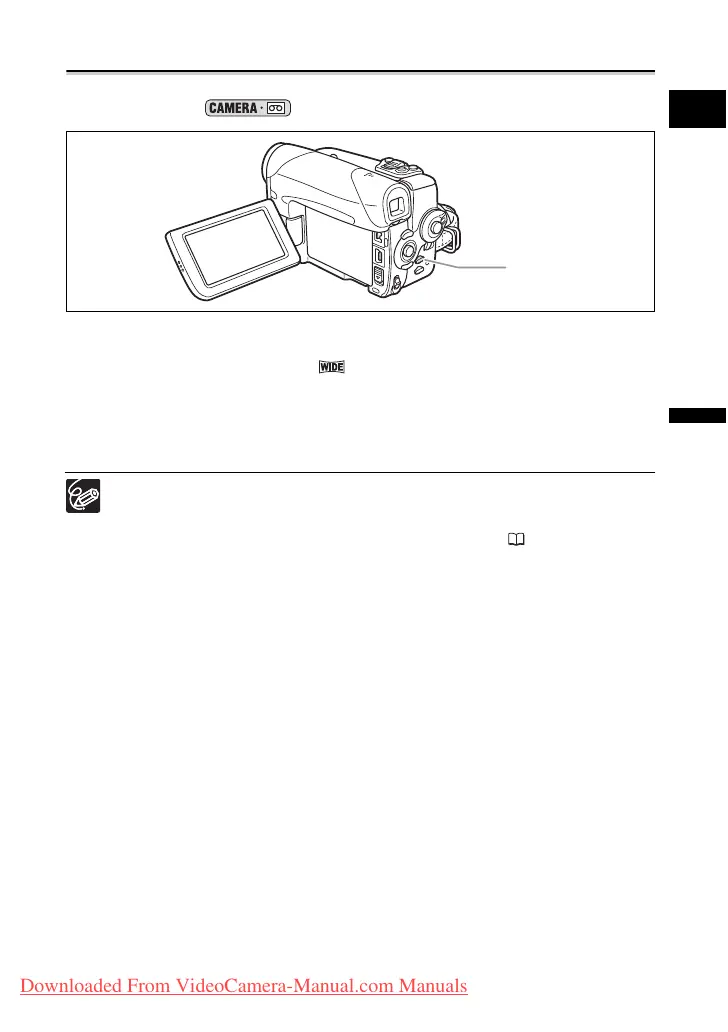
Widescreen TV Recording (16:9)
The camcorder uses the full width of the CCD providing high-resolution 16:9 recording.
Available only in the mode.
Press the WIDE SCR button.
• Pressing the WIDE SCR button will toggle between the widescreen (16:9) and 4:3
aspect ratios. In widescreen mode “ ” will appear.
• On the LCD screen: Widescreen video will display normally; video in 4:3 aspect ratio
will appear with black side bars.
• On the viewfinder screen: Widescreen video will appear in the “letterbox” display; video
in 4:3 aspect ratio will display normally.
When you turn off the image stabilizer, you will get a larger horizontal angle of
view.
Select the [TV TYPE] according to the type of television you connect the
camcorder to - wide (16:9) or normal (4:3) aspect ratios ( 41). That will
ensure that widescreen recordings are played back without distortions.
WIDE SCR button
Downloaded From VideoCamera-Manual.com Manuals



 To Next Page