34
Selecting the Zoom Speed
When operating the zoom with the camcorder, you can set the zoom speed to variable or
to one of 3 levels of fixed zoom speeds. When set to [VARIABLE], the zoom speed
depends on how you activate the zoom lever – press softly for a slower zoom or press
more strongly for a faster zoom.
Available in the and modes.
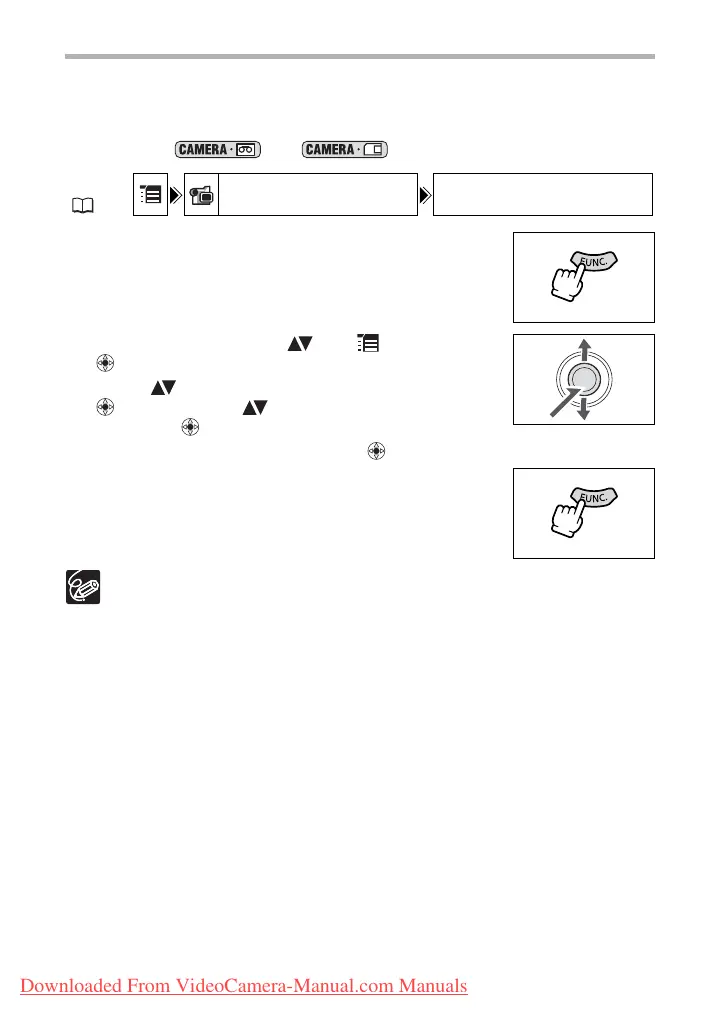
1. Press the FUNC. button to open the FUNC. menu.
2. With the joystick select ( ) the icon and press
().
3. Select ( ) the [CAMERA SETUP] menu and press
( ). Then, select ( ) the [ZOOM SPEED] option
and press ( ).
4. Select a setting option and press ( ) to save the changes.
5. Press the FUNC. button to close the menu.
The fastest zoom speed can be achieved with the [VARIABLE] setting. Among the
fixed zoom speeds [SPEED 3] is the fastest, and [SPEED 1] the slowest.
MENU
( 63)
CAMERA SETUP ZOOM SPEED VARIABLE
Downloaded From VideoCamera-Manual.com Manuals



 To Next Page