OMNERA® 1000-095-071-EN Rev. 1.1
Operator´s Manual
Page 64 2020-09-14
3.2.6.1 User settings
User settings – Display
SETTINGS
DISPLAY
THEMES
SERVICEUSER SETTINGS
Patient Info
Examination
Age
Sex
ID
Always on
DoB
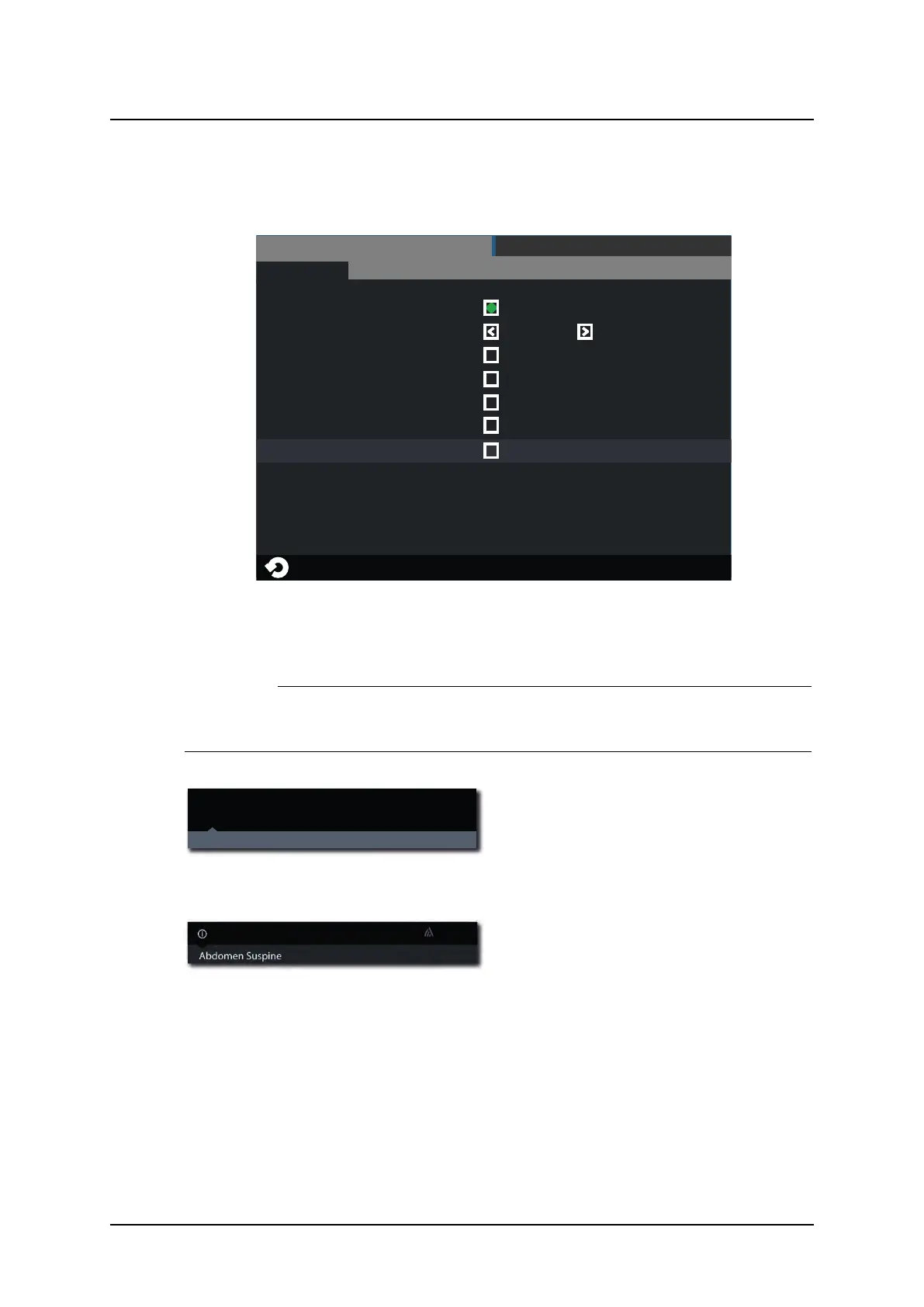
Fig. 3-10 User settings – Display
Patient Info
CAUTION!
The user shall always assure that the Patient info and the type of examination is cor-
responding to the one in HIS and RIS.
DoB 1977-03-06
ID 987-65-4320
Hand AP
Age 36 Sex F
Acc No 987-65-4320
Jane Doe
Fig. 3-11 “Always On” selected
When the Always on is marked, the Patient
information is shown as soon as the infor-
mation is selected in the imaging display.
Fig. 3-12 “Always On” not selected.
When the Always on is not marked, the Pa-
tient information is shown when pushing the
black field where the ‘i’ is.
The Patient information closes automatically.
It is also possible to select what patient information to show on the display. The following pa-
rameters can be selected:
• Date of Birth (DoB), different formats selectable
– YYYY-MM-DD
– DD-MM-YYYY
– MM-DD-YYYY
User Interface
Automatic Collimator Control



 To Next Page