Canon ScanFront 220/220P System Software Update
Instructions
ScanFront Version Up Procedure Version 1.0 Page
5
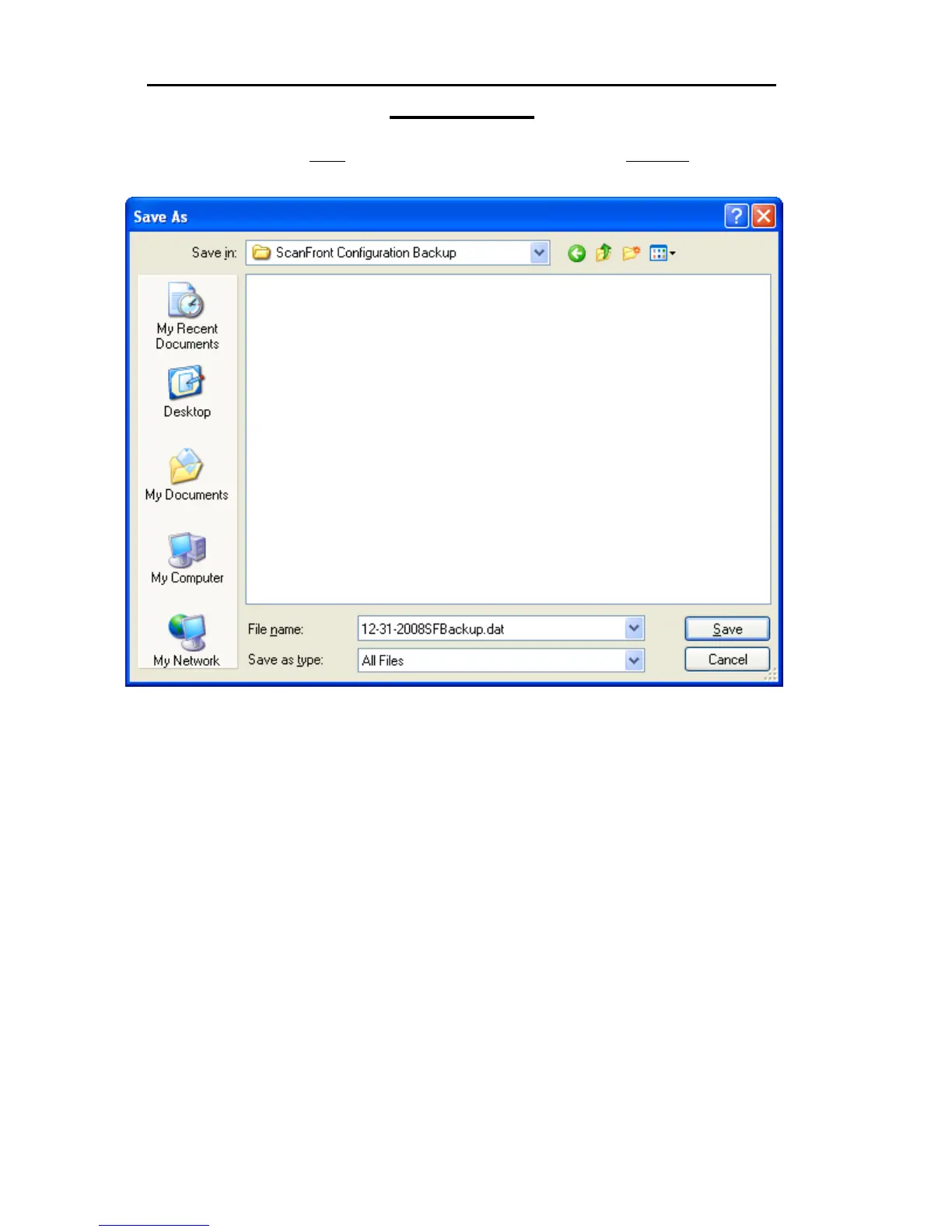
5. After clicking on the Save option you will be presented with a Save As dialog box where
you can specify a location and file name for the backup file;
You now have a file saved to your hard drive containing the ScanFront configured settings.
In the future this file can be applied to the device to restore the settings that existed at the
time the backup was made.







 To Next Page