Canon ScanFront 220/220P System Software Update
Instructions
ScanFront Version Up Procedure Version 1.0 Page
6
ScanFront 220/220P Software Version Update Procedure
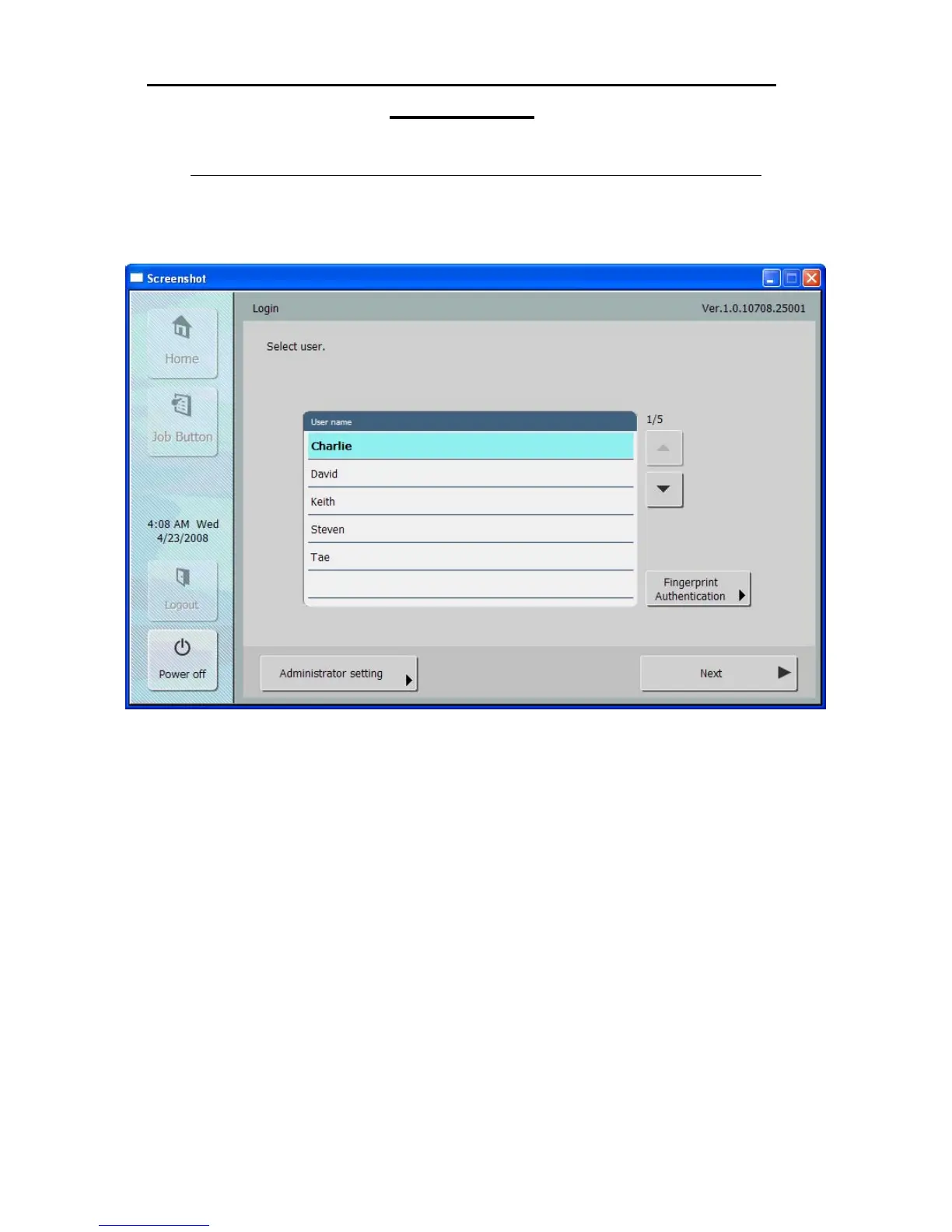
1. Before beginning you should make a note of the current version number displayed in the
upper right hand corner of ScanFront login screen. This can be compared with the version
displayed after applying the update to verify the update was successful.
You should also make sure that if you are using a laptop it is powered by the AC line. Power
cords to both the computer and ScanFront should be secure and fully inserted so that both the
computer and ScanFront don’t lose power during the upgrade process.







 To Next Page