7. Start (Canon PRINT Inkjet/SELPHY) from your smartphone/tablet.
8. Select Photo Print on Canon PRINT Inkjet/SELPHY.
The list of photos saved on your smartphone/tablet is displayed.
9. Select a photo.
You can also select multiple photos at once.
10.
Specify the number of copies, paper size, etc.
11.
Select Print.
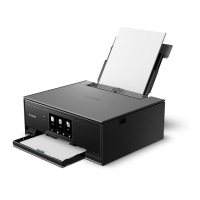
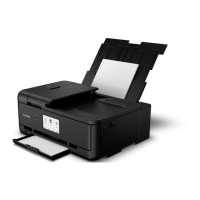
The operation panel is opened and the paper output tray is pulled out automatically, then printing will
start.
32




 To Next Page