Removing a Printable Disc
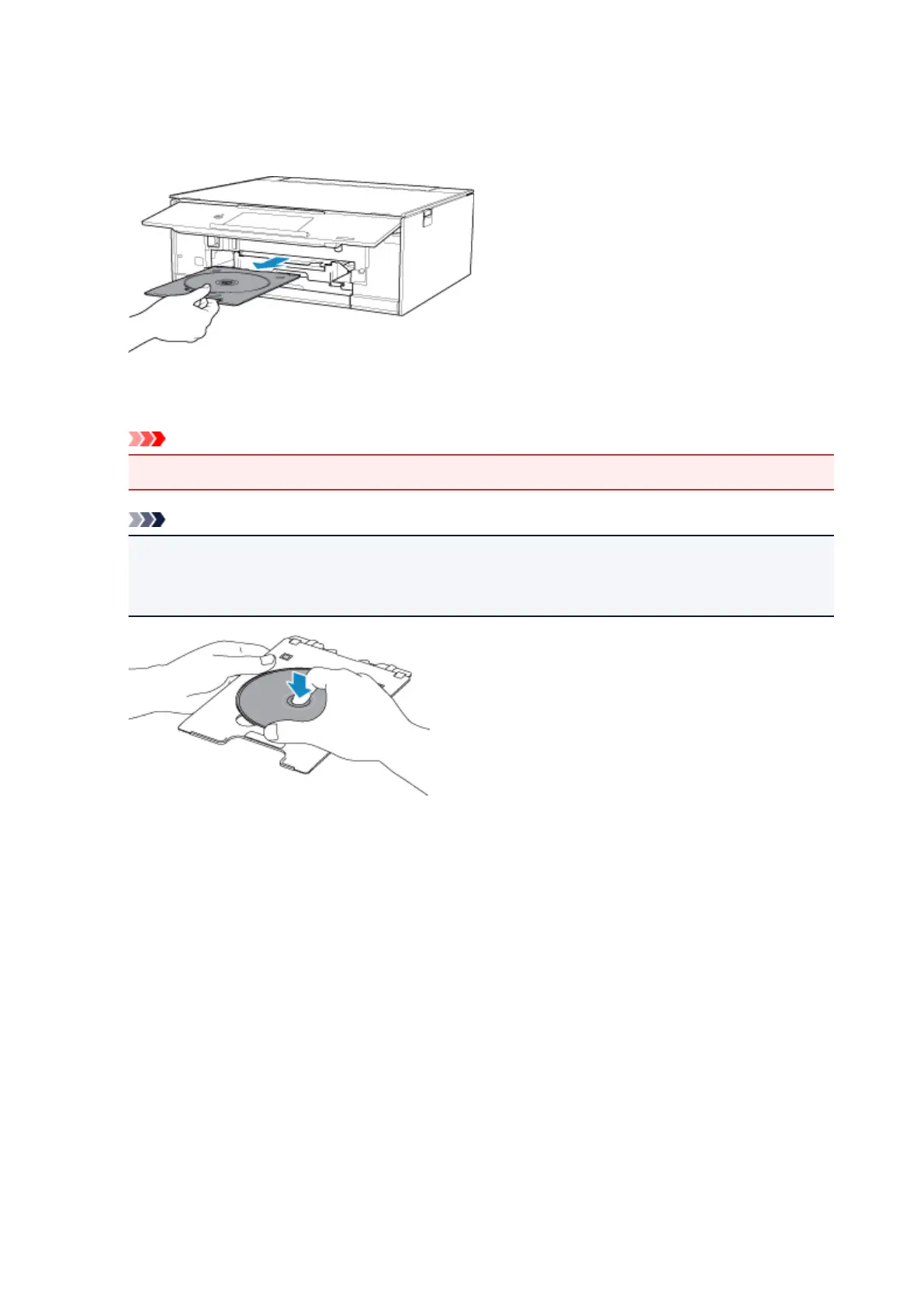
1. Pull out the disc tray.
2.
Remove the printable disc from the disc tray.
Important
•
Do not touch the printing surface when removing the disc from the disc tray.
Note
• Dry the printing surface sufficiently before removing the disc. If you see printing on the disc tray or
the transparent parts on inner or outer diameter of the printable disc, wipe them off after the
printing surface has dried.
3.
Store the disc tray into the disc tray storage compartment.
When not using the disc tray, insert it straight into the disc tray storage compartment.
87




 To Next Page