Before Placing a Printable Disc
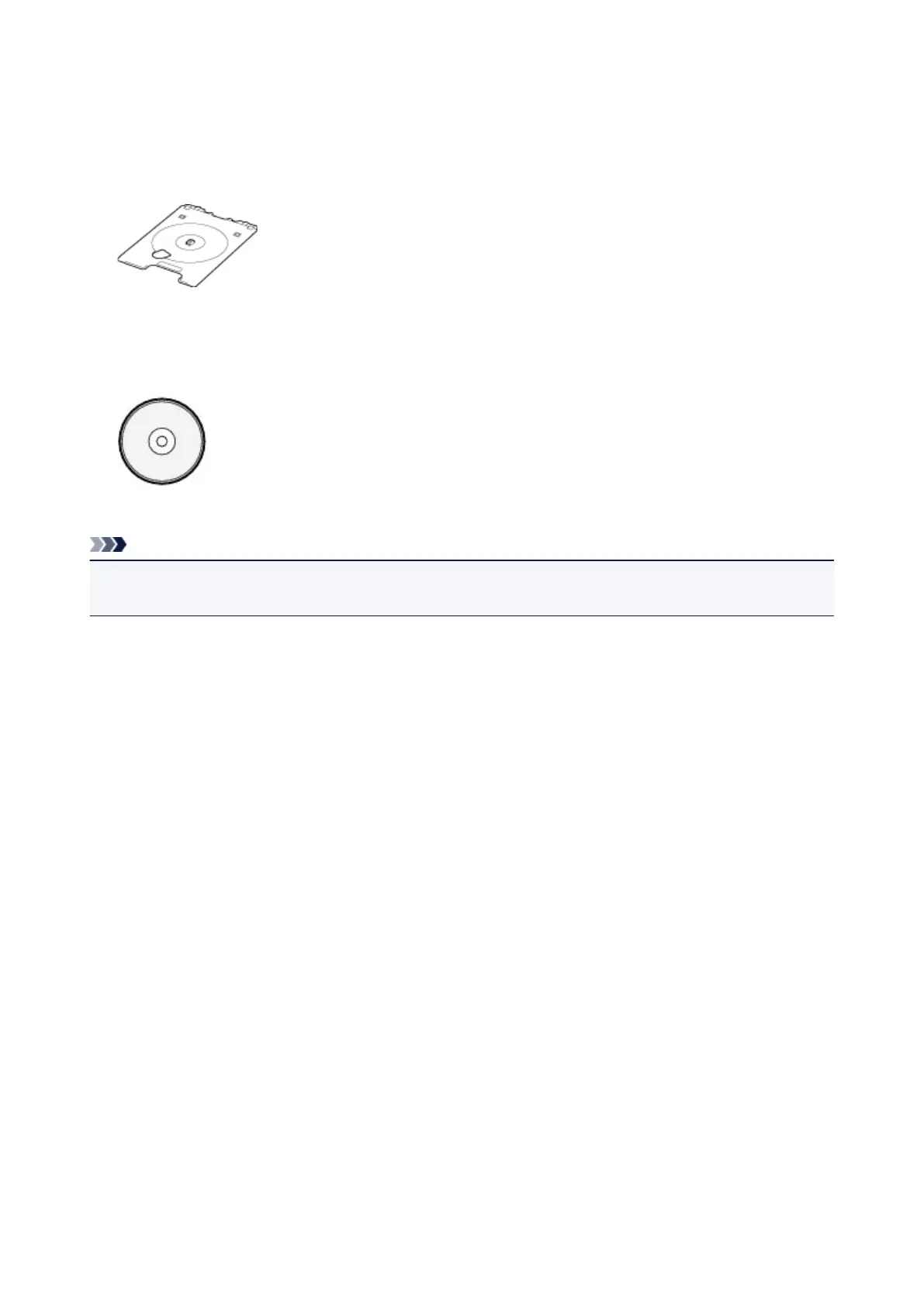
The following items are needed to print onto the printable disc:
• disc tray (supplied with the printer)
* Use the disc tray with "M" on the surface.
The disc tray may be stored in the disc tray storage compartment of the paper output tray.
• 4.72 inches (12 cm) printable disc
Obtain a printable disc with a label surface compatible with inkjet printing.
Note
• A "printable disc" differs from regular disc (BD/DVD/CD, etc.) in that its label surface has been specially
processed to be printed on by an inkjet printer.
84




 To Next Page