[Page numbering]
This setting is only available for PDF jobs.
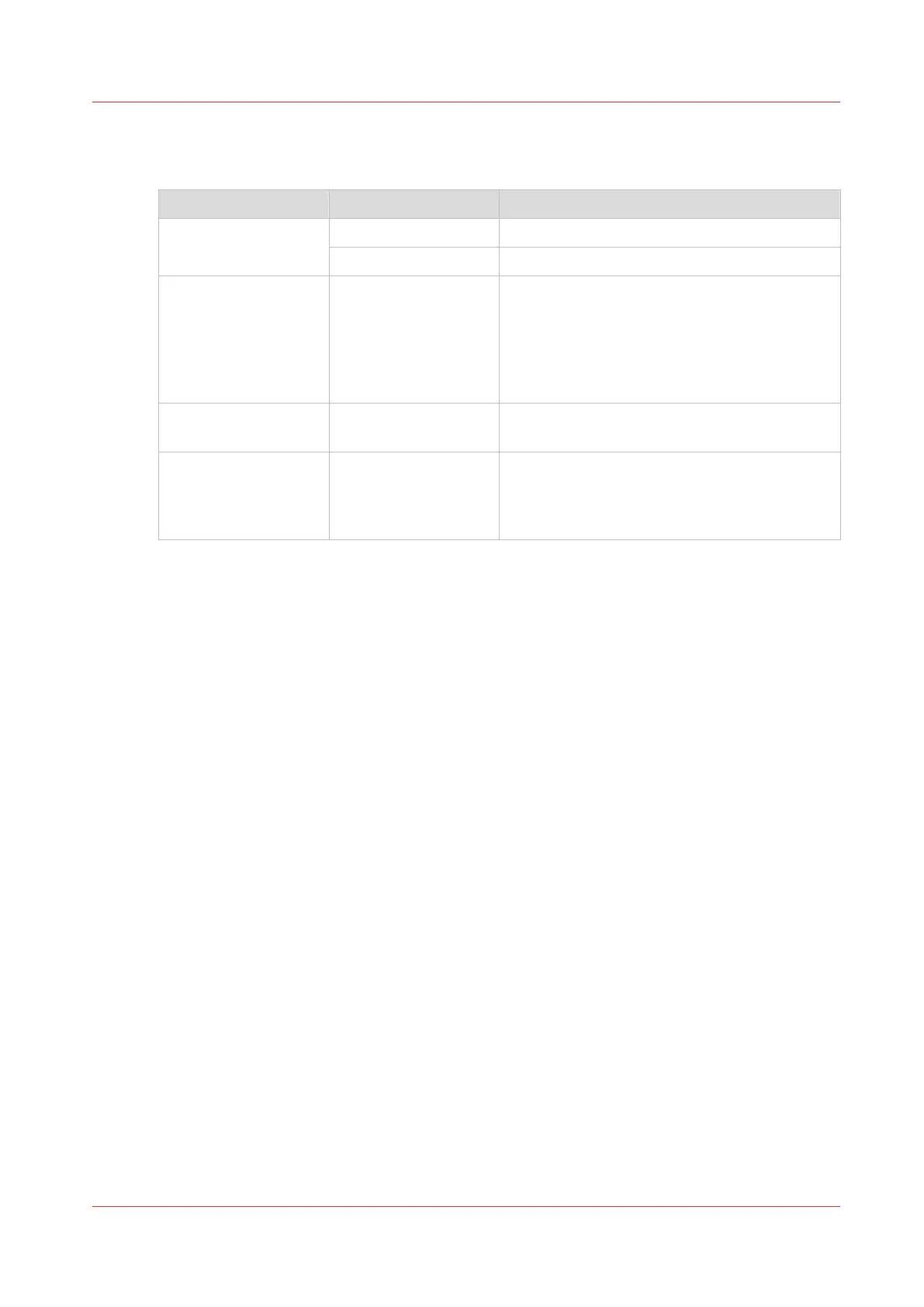
Setting Values Description
[Page numbering] [On] Print a page number on each page of the job.
[Off] No page number on each page of the job.
[Position] [Top left]
[Top center]
[Top right]
[Bottom left]
[Bottom center]
[Bottom right]
The position of the page number on the page.
[Start with page num-
ber]
The number with which the page numbering
starts.
[Text before page
number]
[Text after page num-
ber]
The text that is printed before or after the page
number.
Overview of the Available Settings for DocBox Jobs
Chapter 8 - Plan the jobs
141
Canon varioPRINT DP line










 To Next Page