Add Toner and Staples
Check the Status of the Toner Reservoir
Introduction
This section describes the following:
• Warnings when the toner level is low.
• Where to find the current filling level of the toner reservoir.
Toner Low Warnings
When the toner level is low, and toner is required, you will get the following warnings:
Filling level Warning
20% • Dashboard: Orange warning icon, and a corresponding mes-
sage.
• Operator attention light: Orange lamp lights up.
0% • Dashboard: Red warning icon, and a corresponding message.
• Operator attention light: Red lamp lights up.
Procedure
1.
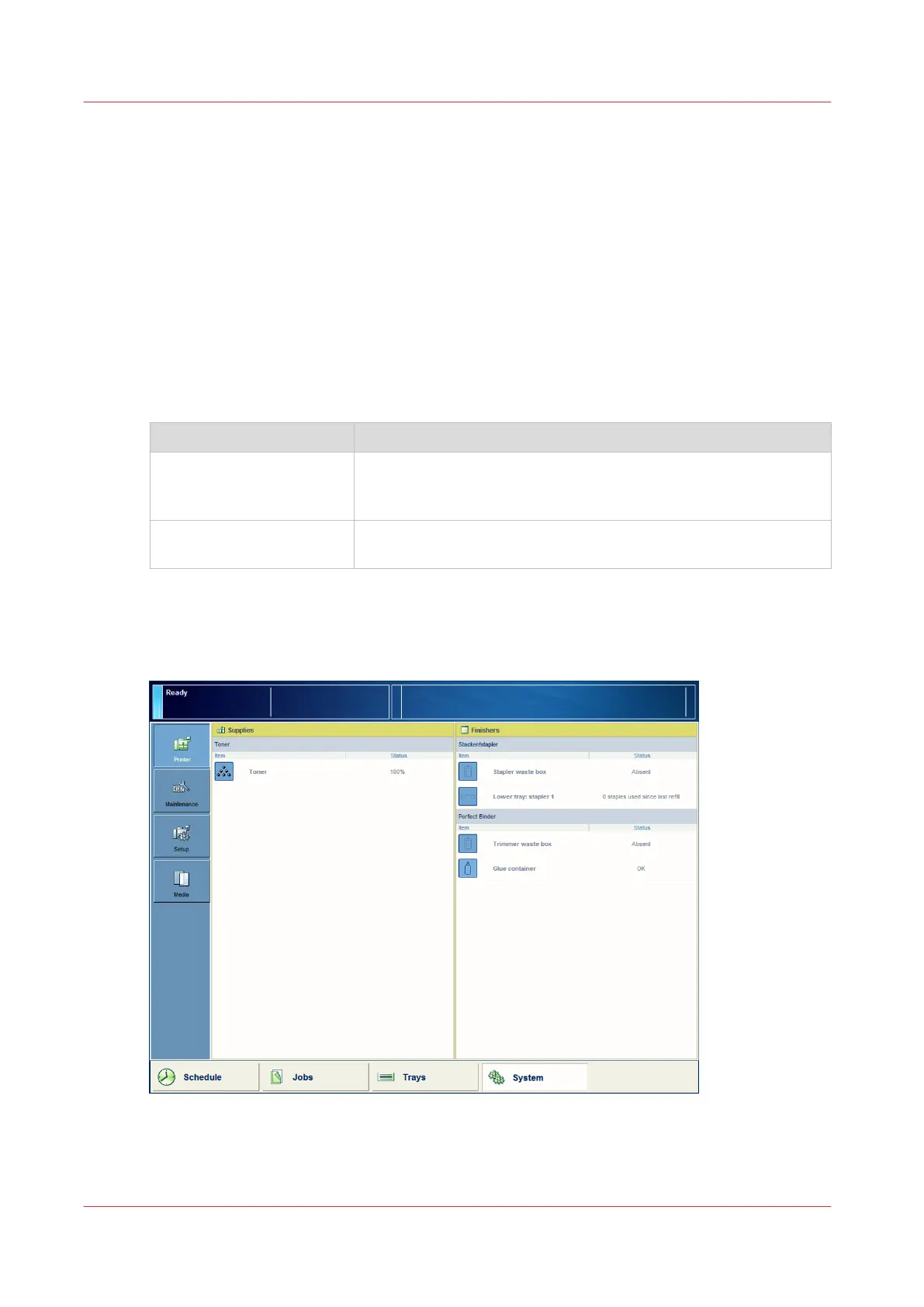
On the control panel, touch [System] -> [Printer].
The [Supplies] pane displays the current filling level.
[84] Check the status of the toner reservoir
Add Toner and Staples
422
Chapter 14 - Maintain the print system
Canon varioPRINT DP line










 To Next Page