Media indicators Black & White
Media is displayed on several locations of the control panel. Extra information about the media is
displayed by icons.
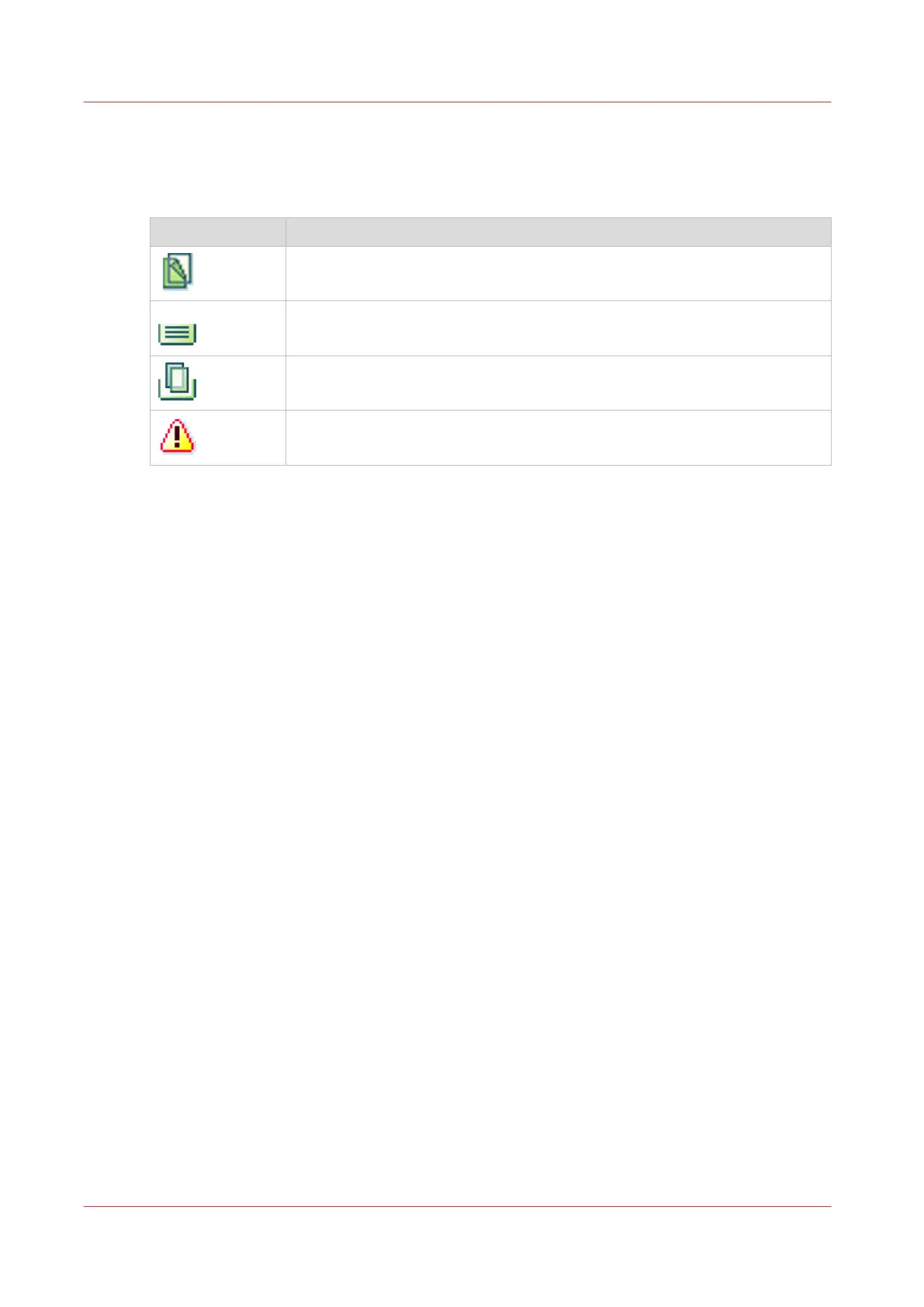
Icon Description
The media is required for a job in the list of scheduled jobs or list of waiting
jobs.
The media is loaded into a paper tray.
The media is used in a scheduled job and loaded into a paper tray.
The warning icon indicates that the media definition needs attention. Check
if all important attributes are defined.
Media indicators Black & White
292
Chapter 13 - Media Handling
Canon varioPRINT DP line










 To Next Page