[Number of sets]
Setting Values Description
[Number of sets] [Check first set] When the [Check first set] setting is enabled,
the printer stops after the first set of a job has
been printed. You can check the quality of the
output.
NOTE
This setting is only available when in
the workflow profile [Check first set]
is set to [As in job].
[Number of sets] You can indicate how many copies of the job
you need. You can enter a value from 1 -
65,000. The default value is 1.
Job name
Setting Values Description
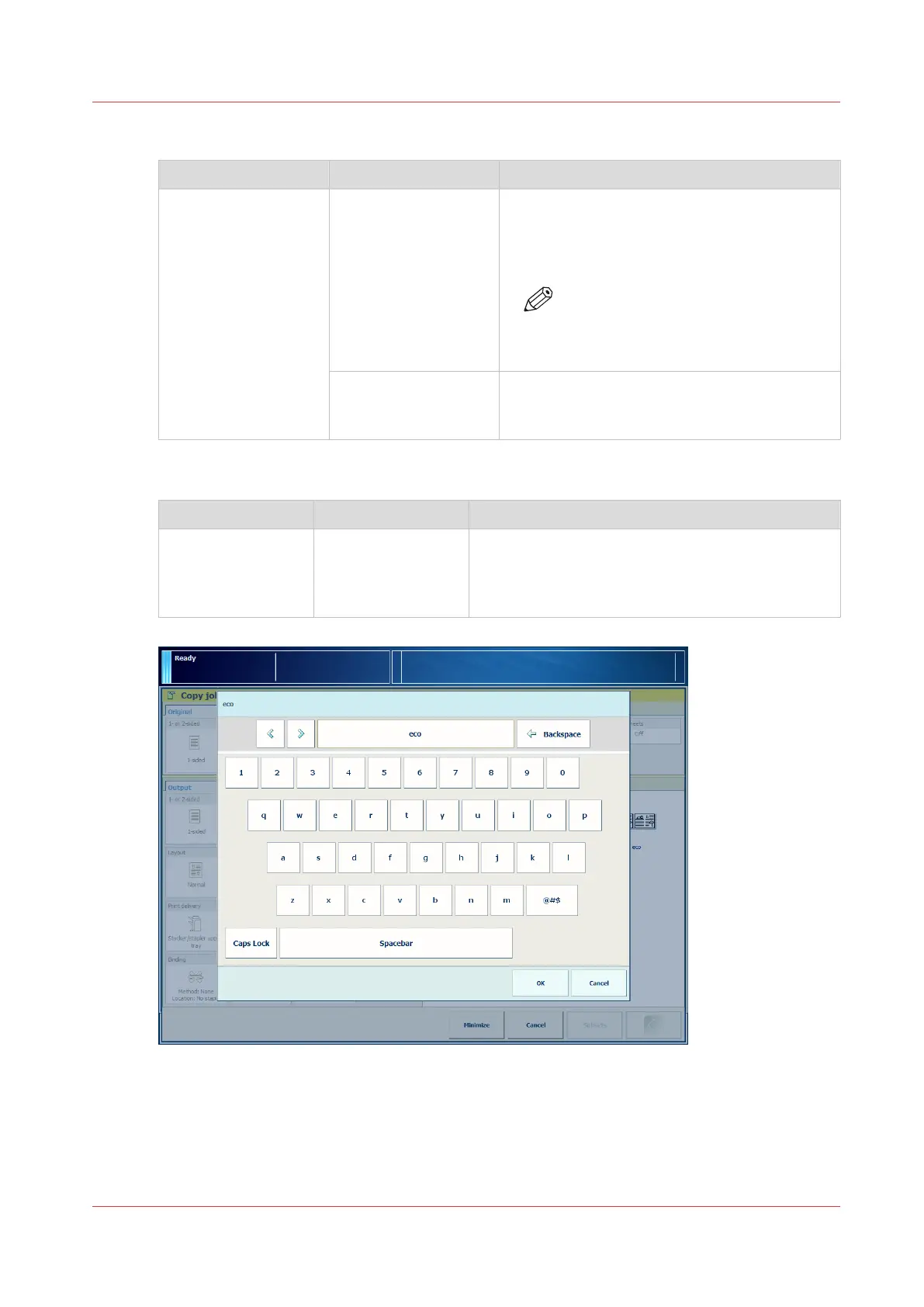
[Job name] To identify your job more easily, you can change
the name of the job. When you touch the [Job
name] button a keyboard appears. Then you can
change the name of the job.
[49] Change the job name
Description of the Copy Job Settings
Chapter 10 - Carry Out Copy Jobs
229
Canon varioPRINT DP line






 To Next Page