Step Action Illustration
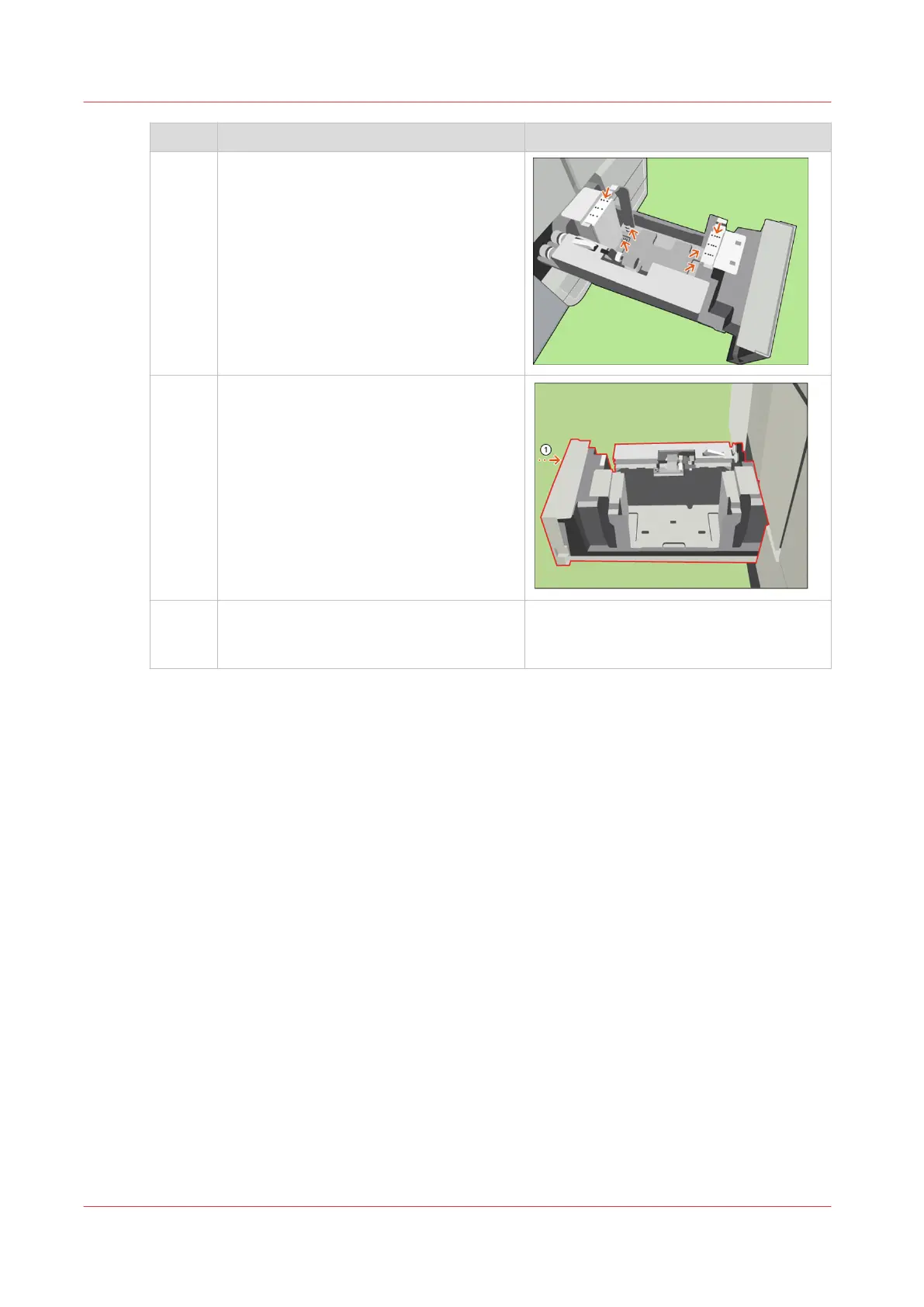
9 [Check if all plates are aligned with the
corresponding size marks.]
10 [Close the tray.]
11 In the [Trays] view on the control panel,
assign the new media size to the bulk
tray.
Adjust the Size of the Bulk Tray
300
Chapter 13 - Media Handling
Canon varioPRINT DP line










 To Next Page