2-8
Once your PC and the camera are connected, perform the initial settings next. The instructions
here follow on from “2. Connect the Camera to the Network”, where one camera is connected to
a PC as an example.
3. Perform Initial Settings for the Camera
Note
● Do not turn on the camera at this stage.
● If you are using a PoE hub or midspan with the VB-C50FSi, do not connect the
LAN cable.
○○○○○○○○○
Continued on the following page. a
Supplied CD-ROM
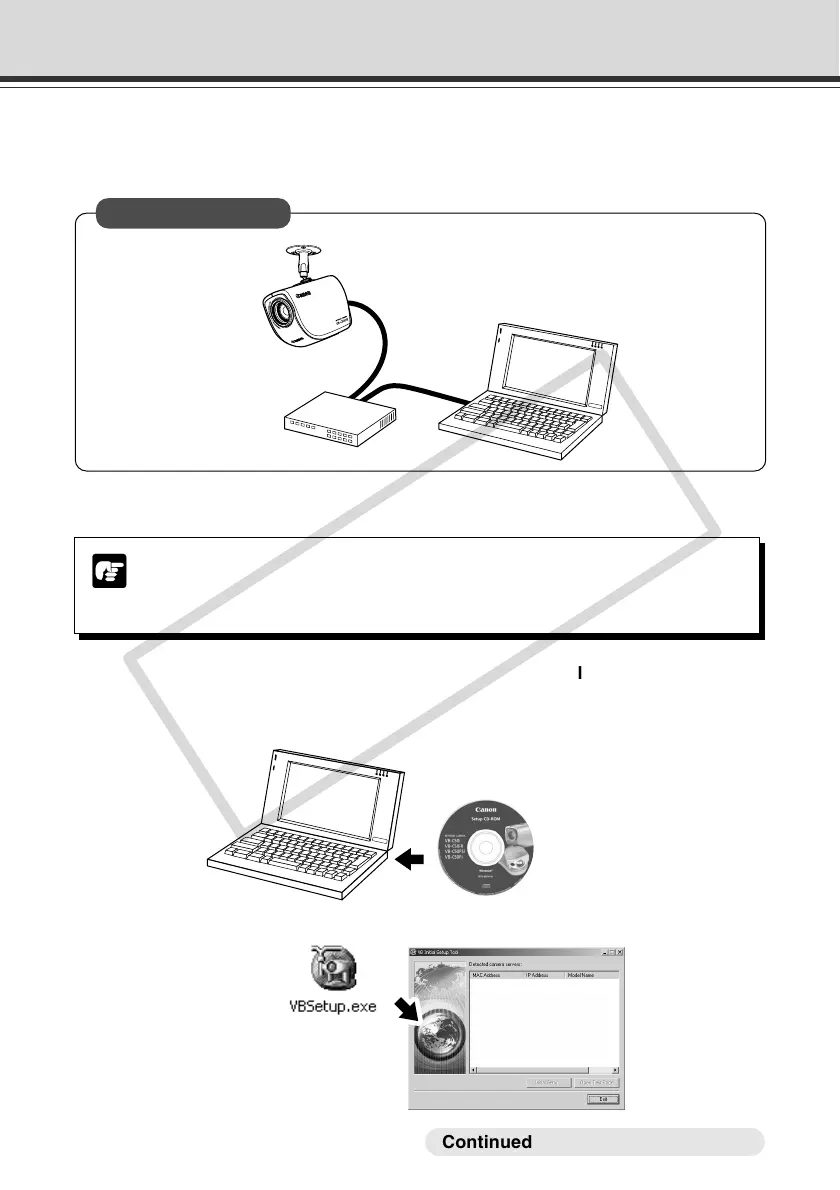
1. Turn on the network device (in this case, the hub) and then your PC.
2. Insert the CD-ROM provided into your PC and from Explorer etc. double-click
“VBSetup.exe” to start the VB Initial Setup Tool. Turn on the VB-C50FSi/VB-
C50Fi. If you are using a PoE hub or midspan, connect the LAN cable.
LAN cable
VB-C50FSi
Hub
Installation Example



 To Next Page