EasyManua.ls Logo

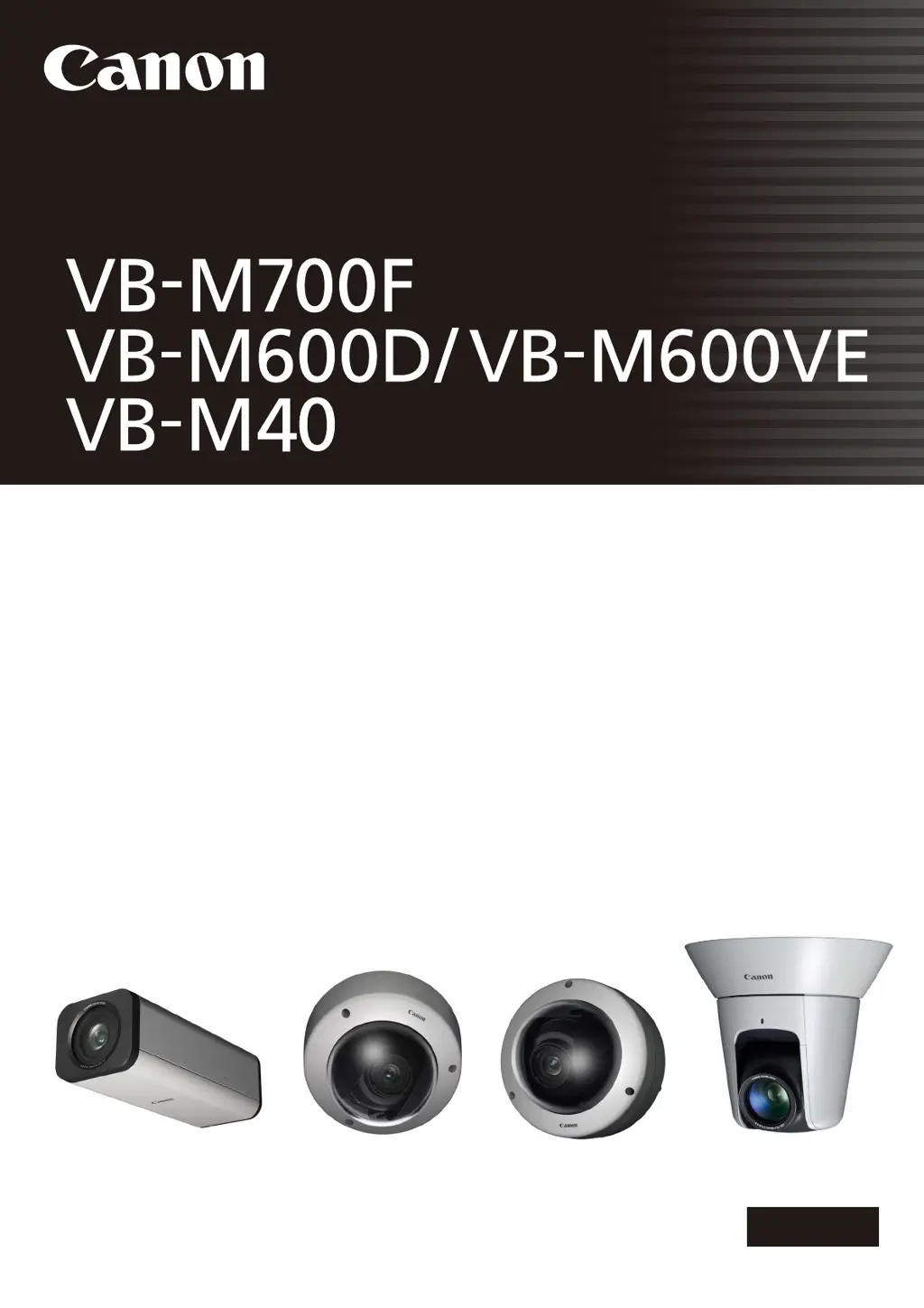
Canon VB-M600VE - User Manual

Canon VB-M600VE
159 pages
Print Icon
To Next Page IconTo Next Page
Loading...
ENGLISH
Network Camera
Operation Guide
Be sure to read this Operation Guide before using the network camera.

Table of Contents

Other manuals for Canon VB-M600VE

Questions and Answers

  • I
    ishermanAug 19, 2025
    What to do if I forgot my Canon Security Camera password?
    • K
      ktaylorSep 12, 2025
      If you've forgotten your password, you can initialize all settings of the camera, excluding date and time, using the reset switch. The administrator password required for initialization is “camera”. Note that network settings such as the IP address and subnet mask will be initialized and must be set again.
  • J
    James MartinAug 21, 2025
    How to troubleshoot a Canon Security Camera that does not start?
    • T
      Tracey LiuAug 21, 2025
      If your camera isn't starting, check the following: * If you're using a PoE HUB, ensure the LAN cable is correctly connected. * If using an optional AC adapter, verify it's properly connected. * Try turning the camera off and on again.
  • A
    Austin ClarkAug 23, 2025
    Why is the top page of my Canon VB-M600VE not displayed?
    • K
      Kristine GarciaAug 25, 2025
      If the top page of the camera isn't displaying, check these items: * Ensure the LAN cable is correctly connected. * Verify the network to which the camera is connected is set up correctly, specifically the IP address, subnet mask, and default gateway address are within supported ranges. * If you changed the IP address, reboot the camera for the new address to take effect. * Confirm the correct URI (camera IP address) is entered in your web browser.
  • T
    Timothy GonzalezAug 26, 2025
    What to do if video is not displayed on my Canon Security Camera?
    • V
      vdavisAug 26, 2025
      If the video is not displayed, consider the following: * Adjust image size, quality and frame rate settings to improve video quality. * Note that the camera can only support up to 30 viewers simultaneously. If this limit is exceeded, video will not be displayed.
  • V
    Vanessa LyonsAug 28, 2025
    Why VB Initial Setting Tool does not operate with my Canon Security Camera?
    • D
      Douglas MorrisAug 28, 2025
      If the VB Initial Setting Tool isn't operating, consider these potential causes: * Ensure the LAN cable is correctly connected. * Try turning the camera off and on again. * Verify that the camera and the PC running the VB Initial Setting Tool are connected to the LAN in the same segment. * The VB Initial Setting Tool may not function when the Windows Firewall is enabled. * Check if you are using an older version of the VB Initial Setting Tool.
  • B
    Brittany ThorntonAug 29, 2025
    Why is there no audio from my Canon VB-M600VE?
    • A
      anthonyzimmermanAug 30, 2025
      If there is no audio, check the audio server settings of the camera and also check the sound and audio device settings for the PC. If you are using the Admin Viewer with the administrator authorities, check if the camera is connected to the RM-Lite Viewer or another viewer that lets the administrator use audio. Audio cannot be received if you are using a proxy server, when connected via SSL encrypted communications or during IPv6 connection. Also, audio cannot be used if add-ons are not installed.
  • C
    chambersdonaldSep 1, 2025
    What to do if Camera Angle Setting Tool does not operate for Canon Security Camera?
    • R
      Regina ScottSep 1, 2025
      If the Camera Angle Setting Tool isn't working, check these items: * Ensure the LAN cable is correctly connected. * Verify the camera and the PC running the Camera Angle Setting Tool are connected to the LAN in the same segment. * If you see the message “Could not launch application. Install .NET Framework 3.5 (SP1 or later).”, install .NET Framework 3.5 (SP1 or later) or enable settings.
  • A
    Anthony RobertsonSep 5, 2025
    Why data cannot be uploaded from my Canon VB-M600VE Security Camera?
    • S
      smithjeremySep 5, 2025
      If data cannot be uploaded, verify the upload destination in the [Upload] menu, and the upload operation upon event in the [Event] menu, to ensure both are set correctly. You can perform an operation check based on the currently set upload destination by running a test from the [Upload] menu. Check [View Logs] in the [Maintenance] menu or logs on the server to check the detailed operating environment. For the server settings, contact your System Administrator.
  • T
    Trevor MorrisSep 7, 2025
    Why does the viewer get disconnected from my Canon Security Camera?
    • E
      eringonzalezSep 7, 2025
      If the viewer gets disconnected, check the network and PC for any abnormalities. Try rebooting the PC and connecting again.
  • J
    jessicasmithSep 9, 2025
    Why the Canon VB-M600VE Security Camera cannot be controlled?
    • C
      Christopher BlackSep 9, 2025
      If you connect the Admin Viewer as an administrator, you will have exclusive possession of the camera control privileges. If you connect to the Admin Viewer as an Authorized User, you cannot control the camera unless the administrator releases camera control.

Canon VB-M600VE Specifications

General IconGeneral
BrandCanon
ModelVB-M600VE
CategorySecurity Camera
LanguageEnglish

Related product manuals